You've got an idea. A signup form for a webinar, a gated guide, a simple "get in touch" for the new landing page. Then you hit the usual wall: you need someone else to build it. A developer's time, a ticket in a queue, a week of waiting before anything actually goes live.
That wait is over. Forms is a drag-and-drop form builder built into Transpond, so you can create, publish, and edit lead capture forms yourself. No code, no developer, no delay.
What is Forms?
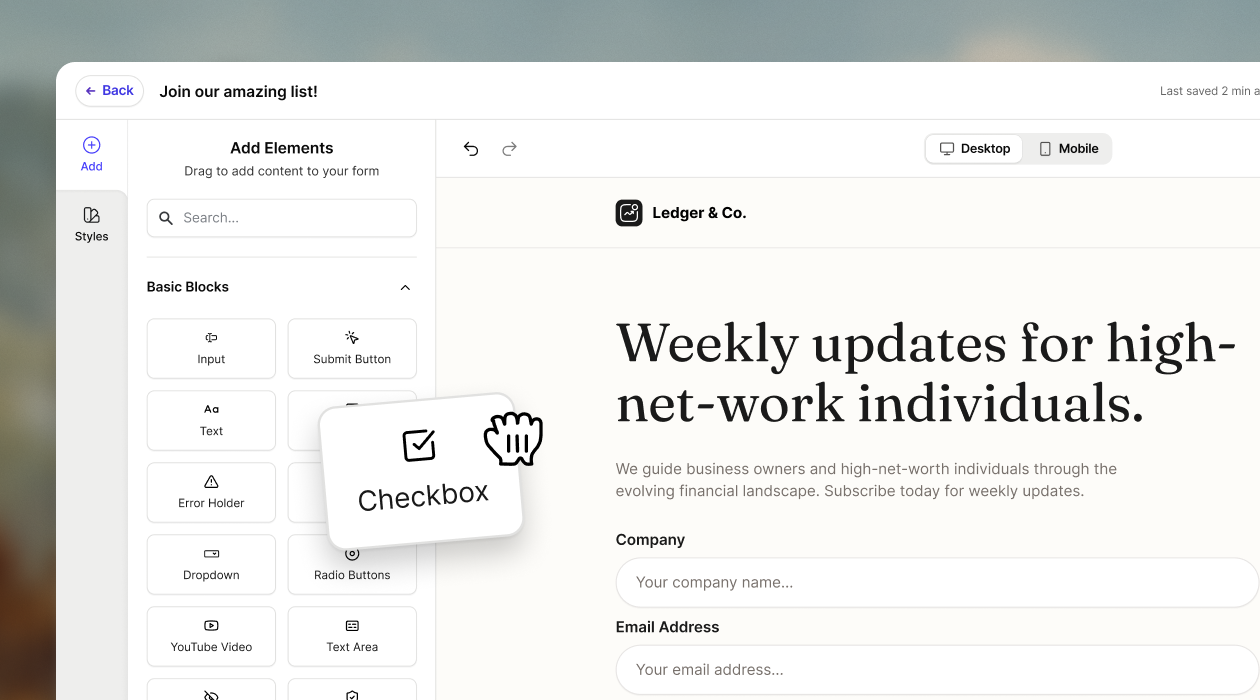
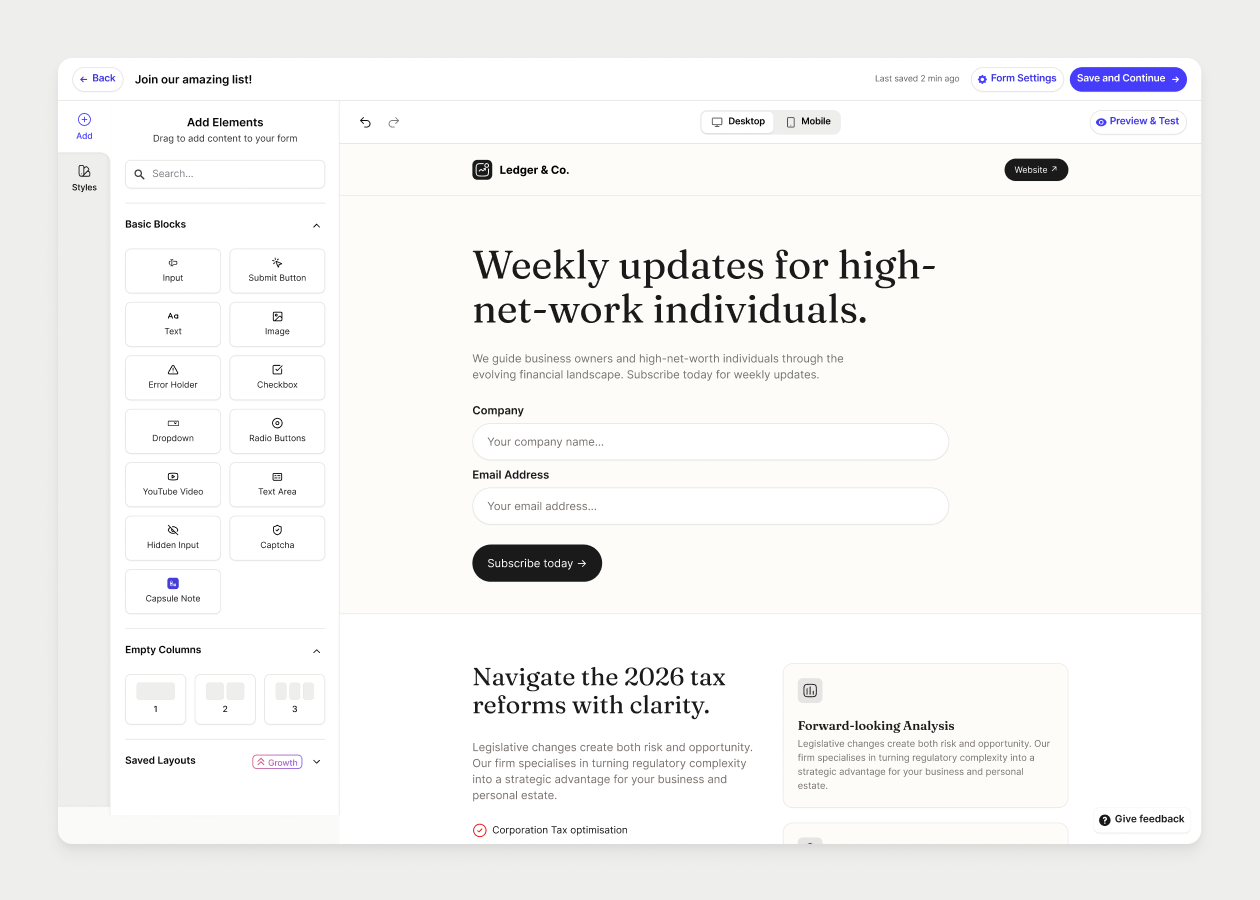
Forms is Transpond's built-in tool for building professional lead capture forms. Drag fields into place, customize the layout and branding, and publish in minutes. Every submission syncs straight into Capsule, so your CRM stays current without anyone lifting a finger.

Build professional forms without a developer in sight
If getting a form built usually means filing a request and waiting, or trying to muddle through a plugin you don't fully trust, this changes things. With Forms, you build the whole thing yourself, and it still looks like it came from a design team.
- Drag and drop fields onto the page. No code required.
- Customize layout, fields, and branding so every form looks on-brand from the first click.
- Publish in minutes. Embed forms directly on your site (including WordPress, via our plugin) or share a public link wherever your audience finds you.
Turn scattered leads into a system that runs itself
Most lead capture setups are held together with manual work: exporting a spreadsheet, copying details into the CRM by hand, hoping nothing gets missed along the way. Forms removes that step entirely.
- Capture leads from campaigns, gated content, event signups, and general enquiries in one place.
- Every submission syncs automatically into Capsule. No manual data entry.
- Contacts are segmented into groups and audiences based on their answers, so your lists stay organized without extra work.
- Pair a form with an automation to trigger a welcome email, assign a lead to the right person, or kick off a follow-up sequence the moment someone hits submit.
See exactly what's driving your best leads
Capturing leads is only half the job. Knowing which ones are worth chasing, and which campaigns brought them in, is the part that actually shapes what you do next.
- Built-in analytics show submission rates, traffic sources, and conversions for every form.
- See which campaigns, channels, and audiences are bringing in the leads that convert.
- Add custom fields to collect exactly the information your business needs to qualify a lead properly.
What this could look like for you
Running the business solo? Build a quote request form or a simple contact page yourself in an afternoon, no agency or developer needed.
Handling marketing alongside everything else? Put a short guide or checklist behind a form, capture the email address, and let an automation drop that contact straight into your next nurture sequence.
Keeping the systems tidy behind the scenes? Set up an event signup form that automatically sorts attendees into the right audience and fires off a confirmation email, so nothing depends on someone remembering to do it manually.
Getting started
Forms is available on all paid Transpond plans. If you want to gate content like ebooks or guides behind a form, that's available from the Growth plan and up.
Ready to build your first form?
You don't need a developer, a design brief, or a week on the calendar. Just an idea and a few minutes.