
Already using ChatGPT or Claude at work?
How about connecting your AI assistant to your CRM and asking it to check which deals are closing next month, using information from your actual sales pipeline?
You could also ask it to create a follow-up task after a meeting or pull together recent activity before speaking with a customer. No copying records into another application or searching through your account history.
Sounds like a dream? Well, no need to dream any longer.
Model Context Protocol (MCP) makes these connections possible. A growing number of CRM providers now offer MCP servers, allowing compatible AI assistants to access customer information and perform supported actions.
However, not all CRM MCP integrations work the same way. Some focus on retrieving information, while others allow assistants to modify existing records or access more advanced business processes. The AI tools you can connect and the work involved in setting them up also vary.
We've compared seven CRM platforms with official MCP support, looking at what you can actually do with each connection and which businesses they're suited to.
Quick answer: Capsule CRM, Pipedrive, HubSpot, Attio, Zoho CRM, Salesforce and Close offer official MCP capabilities in 2026. Capsule is a strong option for small businesses wanting straightforward AI access to customer records and everyday CRM tasks. Pipedrive focuses on sales pipeline operations, while Attio supports more flexible record management. HubSpot, Zoho and Salesforce offer broader capabilities for organizations with more complex requirements, and Close provides configurable access permissions for AI-assisted sales workflows.
What should you look for in a CRM with MCP support?
MCP stands for Model Context Protocol, an open standard that allows AI assistants to communicate with external applications through supported tools.
When a CRM provides an MCP server, a compatible assistant can request customer information and perform actions that the connection exposes. You might ask ChatGPT to retrieve account details or use Claude to investigate open sales opportunities.
If you're unfamiliar with the technology, our guide to what MCP is and how it works with a CRM [will be published] explains how the connection works.
Before comparing providers, think about what you'd like your assistant to do. Reading customer information and making changes to existing records are quite different requirements, and MCP support alone doesn't guarantee both.
A few factors deserve attention.
- Available CRM operations: Can the assistant only retrieve information, or can it create and modify records?
- AI tool compatibility: Does your preferred assistant have a ready-made connector, or will you need a custom MCP configuration?
- Access permissions: Does the connection respect the permissions assigned to individual CRM users?
- Subscription requirements: Is MCP included in your plan, and are there usage limits or additional charges?
- Setup: Can your team connect the tools directly, or will an administrator or developer need to configure the integration?
Your CRM also needs to work well outside an AI conversation. A platform with extensive MCP functionality may still be a poor fit if employees find its everyday sales process difficult to manage.
Best CRMs with MCP in 2027
#1 Capsule CRM: best for small businesses wanting AI-assisted CRM workflows
Capsule CRM brings customer information and sales opportunities into a straightforward CRM designed for small and growing businesses. Teams can maintain contact histories, organize ongoing projects, and manage follow-ups without building a complicated system around their sales process.

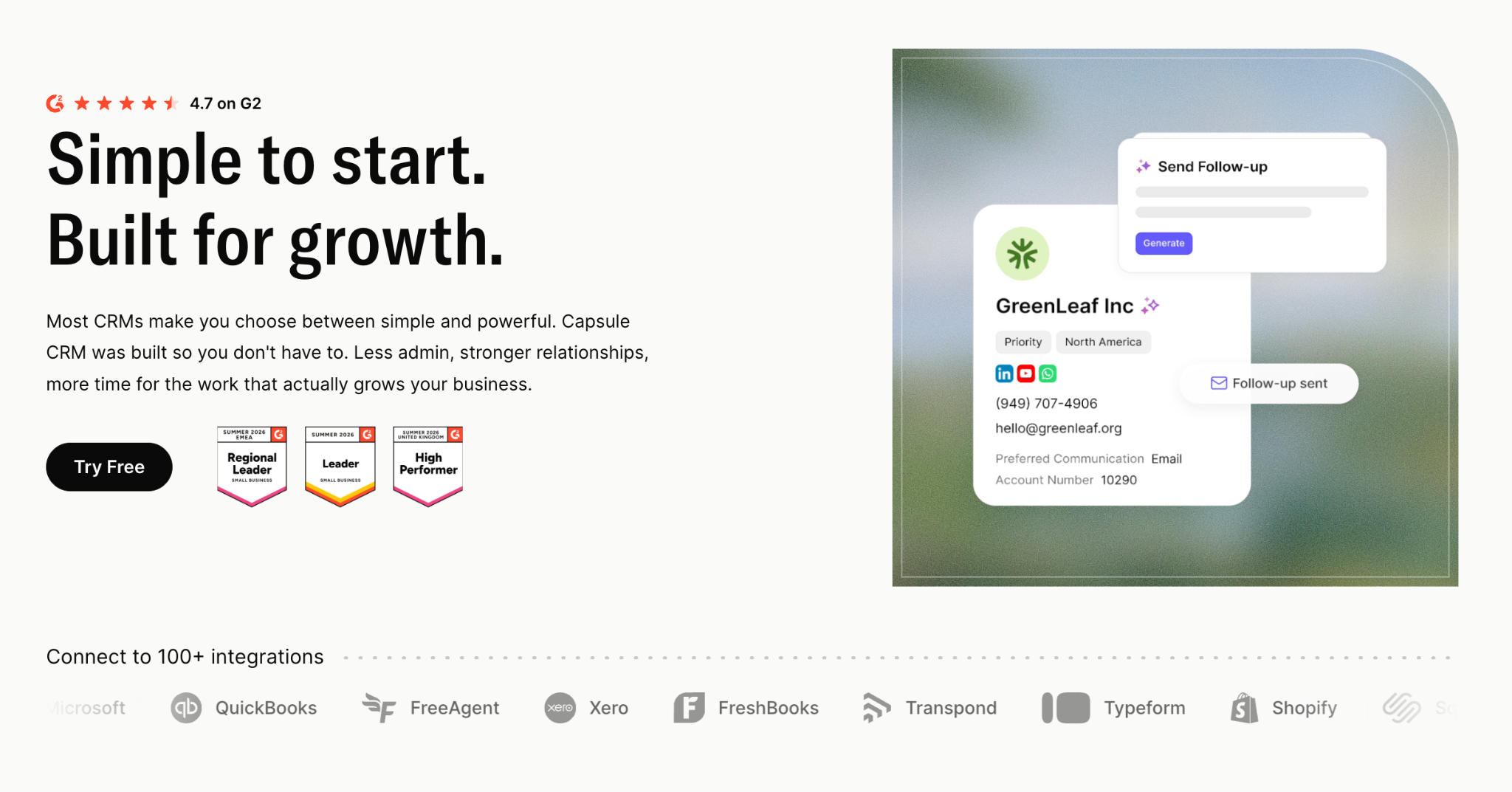
Capsule provides its own MCP server and an official ChatGPT integration. Once connected, your assistant can retrieve customer information and perform selected CRM actions through a conversation.
Let’s say that you're preparing for a sales meeting and want to know which deals need attention. You could ask:
"Show me opportunities expected to close this month and identify which ones have overdue follow-up tasks."
ChatGPT can use Capsule's available tools to retrieve relevant records and help organize the results. Sales managers can investigate their pipeline without manually opening every opportunity, although the answers still depend on information being kept current in Capsule.
What can Capsule MCP do?
Capsule MCP supports several CRM actions, including:
- Search and retrieve: Find contacts, organizations, opportunities and related activities.
- Create records: Add new contacts, organizations, opportunities and projects.
- Manage activities: Add notes and create tasks.
- Update Custom Fields: Modify values in existing Custom Fields.
However, Capsule MCP currently has some limitations. It doesn't support changing the owner of an existing record, renaming existing contacts or deleting records.
Having access to write operations means you can ask ChatGPT to create a new contact after a discovery call or log a follow-up task linked to an opportunity. Existing Custom Field values can also be updated through the connection.
Capsule deliberately limits changes to certain existing record properties. You can't currently use MCP to rename a contact or delete a record, so workflows requiring those actions must use another supported method.
Why choose Capsule?
Capsule suits businesses looking for a CRM their team can use consistently, with MCP adding conversational access to records already stored in the system.
Its contact management features keep customer histories accessible, while the sales pipeline helps teams track opportunities and upcoming work. Users can also manage follow-ups through tasks and calendar, even when the tasks were created through ChatGPT.
The official plugin offers a documented connection process, and Capsule supports other compatible AI clients through its remote MCP server. AI Connectors are available on Growth, Advanced, and Ultimate plans.
Want to see how it works? Read our introduction to Capsule MCP or follow the ChatGPT connection guide.
#2 Pipedrive: best for pipeline-focused sales teams
Pipedrive is built around managing deals and sales activity. Its MCP server brings the same focus to AI assistants, allowing users to search CRM information and complete supported actions through natural-language requests.
One notable difference from Capsule is the ability to modify more existing CRM records. Pipedrive MCP supports creating and updating deals, contacts and activities, making it relevant to teams that want AI assistants to participate more directly in pipeline maintenance.
Pipedrive also supports lead conversion and pipeline analysis through MCP. Actions follow existing user permissions and are recorded in its change history, giving teams a way to review modifications.
What should you know about Pipedrive MCP?
Pipedrive provides a hosted MCP server with documented connections for ChatGPT and Claude. Its MCP capabilities are available across subscription plans, although usage is subject to token allowances.
Businesses expecting frequent AI activity should check those limits before building daily workflows around the connection. Additional usage may require purchasing more tokens.
Pipedrive is a strong candidate when sales activity revolves around moving deals through defined stages. Companies looking for a CRM that puts customer relationships first or combines sales and project management should compare what each platform offers.
#3 HubSpot: best for businesses using a broader customer platform
HubSpot's remote MCP server gives AI assistants access to information across its CRM ecosystem. It supports a wider range of customer-related objects than a basic contact-focused connection, making it interesting for businesses already using HubSpot across multiple departments.
An assistant can retrieve information about companies or deals and work with supported CRM activities. HubSpot has also expanded its MCP implementation to include write operations, allowing compatible clients to create or update selected records.
What should you know about HubSpot MCP?
HubSpot's hosted connection uses OAuth authentication, with the permissions granted to the user determining which records and operations are available.
Some CRM objects remain read-only, and additional restrictions may apply when sensitive-data features are enabled. As a result, teams should check the current tool list before designing workflows that depend on changing a particular type of record.
The wider HubSpot platform may appeal to companies already using its customer-facing products, although its scope can be more than a small sales team needs.
If you're considering a simpler setup, our HubSpot CRM alternatives guide compares several options, including Capsule.
#4 Attio: best for teams with customized relationship workflows
Attio allows businesses to organize CRM information around their own data structures. Its hosted MCP server extends that flexibility to supported AI assistants, with tools covering CRM records and workspace activity.
Attio MCP supports creating and updating records, searching information and working with notes or tasks. Users can also manage lists through the connection, which can matter when the CRM is configured around specialized workflows.
What should you know about Attio MCP?
According to Attio's documentation, its MCP connection is available across all plans. The hosted server uses OAuth authentication and can be connected through compatible clients without creating separate API keys.
Attio also supports more extensive updates to existing records than Capsule's current MCP implementation.
That flexibility will appeal to businesses with unusual CRM structures or workflows requiring detailed record management. However, the underlying CRM still needs to be configured appropriately, and teams should weigh that effort against the processes they actually use.
Our Attio CRM alternatives comparison covers its broader CRM functionality and how it compares with Capsule.
#5 Zoho CRM: best for advanced CRM customization
Zoho CRM takes a different approach to MCP by providing several pre-built servers, each focused on a particular area of CRM functionality.
Its Data Insights server allows AI assistants to retrieve records and inspect CRM information. Other servers support more extensive operations, including changes to records or the underlying CRM configuration.
Zoho's implementation is particularly interesting when a business wants to use AI tools for tasks that go beyond ordinary sales administration.
What should you know about Zoho MCP?
Zoho's MCP servers can be configured for compatible AI clients, with documentation covering tools such as Claude Desktop and Cursor. Operations are subject to Zoho CRM API credits and existing API limits. Businesses expecting extensive AI usage should account for those restrictions alongside normal CRM activity.
Zoho is worth considering when customization plays a substantial role in your CRM setup. Smaller businesses may find that extensive administrative functionality adds complexity to work that could be handled through a simpler system.
#6 Salesforce: best for enterprise CRM environments
Salesforce offers hosted MCP servers that allow compatible AI applications to access selected capabilities within its platform.
Its approach reflects the requirements of organizations with established Salesforce configurations. An MCP server can expose CRM operations alongside approved Flows or Apex actions, allowing an assistant to invoke existing business processes where permitted.
An organization might already have a Salesforce Flow that handles part of its account management process. Rather than recreating that logic elsewhere, administrators can expose suitable capabilities through an MCP connection.
What should you know about Salesforce MCP?
Salesforce's hosted MCP capabilities are available to eligible enterprise organizations, with configuration involving administrative access and an appropriate External Client App.
Costs are worth checking, too. Salesforce uses Flex Credits for certain hosted MCP server activities, so usage can affect billing. Its approach may suit companies already invested in Salesforce that want to connect established workflows to AI assistants. Smaller teams looking to retrieve customer details or create tasks may find the setup more involved than they need.
#7 Close: best for sales teams wanting configurable MCP permissions
Close combines sales CRM functionality with communication tools designed for teams doing frequent outreach. The official MCP server lets compatible AI clients work with customer records through supported operations.
Close lets businesses control what an AI assistant can access and do. Its MCP documentation describes several permission levels, from read-only access to broader write permissions. Teams can choose the appropriate scope based on the tasks they want the assistant to handle.
A separate workflow involving CRM maintenance may require write permissions. Close allows organizations to make that distinction during configuration.
What should you know about Close MCP?
Close supports OAuth connections and provides documentation for compatible AI clients. Its authentication options also include Dynamic Client Registration, which can simplify setup with clients that support the mechanism.
More extensive permissions deserve closer attention, particularly when a connection could perform destructive operations. Close may appeal to sales teams already using its calling and outreach capabilities, especially when administrators want specific control over what connected AI applications can change.
You can compare its broader features with Capsule in our Close CRM alternatives guide.
Should you switch CRM just to get MCP?
If your current CRM already works well for your team, switching platforms solely to gain more MCP operations probably isn't necessary.
Moving customer records involves more than exporting contacts. Opportunity histories and internal processes may also need attention, and employees have to become familiar with a different system.
Check what your existing CRM supports before planning a migration. It may already have an official MCP server, or its provider may be expanding the available tools.
Companies using Capsule can also combine MCP with existing workflow automation. Routine actions can continue running through predefined rules, while employees use an AI assistant to investigate customer records and request supported operations.

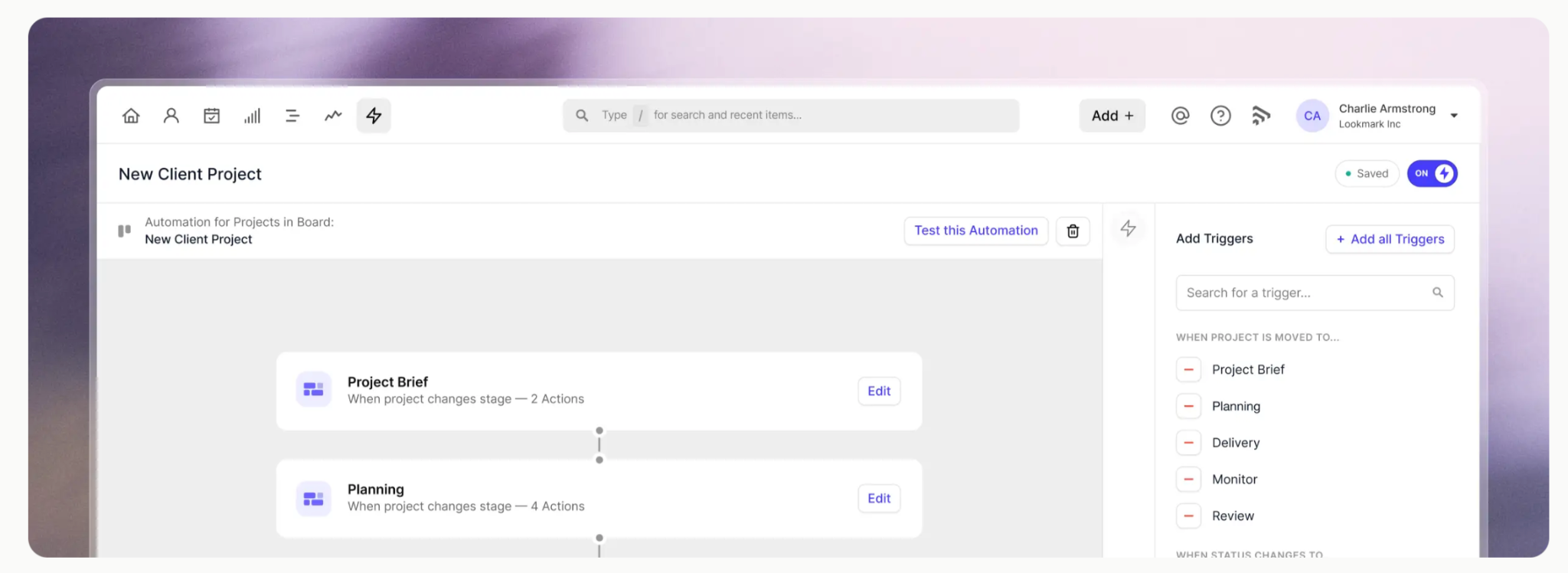
Our article on CRM automation examples shows how everyday workflows can reduce administration without requiring every action to begin in an AI conversation.
Get started with a CRM that supports MCP
MCP is giving businesses another way to work with customer information, but the experience depends on the CRM behind the connection.
Zoho offers extensive administrative tools, while Salesforce can expose established platform processes. Attio supports flexible record management, and Pipedrive offers AI-assisted updates to sales activity. Close gives teams more control over permission scopes, with HubSpot providing access across its broader CRM environment.
Capsule focuses on the everyday work of managing customer relationships. Its MCP connection allows compatible AI assistants to retrieve account information and create supported records, with existing Capsule permissions controlling access.
Our advice? Choose a CRM that fits how your team works, then test MCP with a task you handle regularly. Reviewing your pipeline or preparing for a customer call is an easy place to begin before granting write permissions.
Interested in connecting your CRM to ChatGPT? Explore Capsule's ChatGPT integration or compare Capsule pricing plans to get started.