
Architects move fast. One moment they review drawings, next they coordinate site work or handle a client walkthrough. Admin rarely fits into that rhythm, and most architecture firms feel the drag of scattered emails, shifting deadlines, and missing updates. A solid CRM software setup reduces that friction. Today, you’ll find a few options that help you manage client relationships and keep projects moving without adding more work to your day.
Why should architects use CRM?
- Centralizes project details across teams. Architecture firms often deal with versions of plans, approvals, and site notes. A CRM system keeps everything tied to the right client and project, so no one relies on old files or half-remembered conversations.
- Connects client communication with project milestones. Architectural work changes fast. Linking messages and feedback directly to project management helps your team respond quickly and adjust plans with less back-and-forth.
- Improves coordination with contractors and material suppliers. Architects deal with many external partners: structural engineers, installers, contractors, builders, and delivery teams. CRM tools help you track who’s responsible for each step, when materials arrive, and how delays affect project delivery.
- Supports business development without pulling you away from design work. Architects rarely love the sales process, yet referrals and new inquiries drive growth. CRM software brings structure to outreach and proposals so you keep opportunities moving even on busy project weeks.
Best CRM software for architecture firms
Choosing the best CRM for architecture firms starts with tools that fit the way architectural firms work: fast-paced schedules, shifting project stages, and constant coordination. Below, you’ll find platforms that help manage leads and organize client information.
Capsule
Architects work best when the admin disappears into the background, and Capsule gives you exactly that kind of focus. It keeps your client work, conversations, and project flow in one place, so you spend less time chasing details and more time designing.
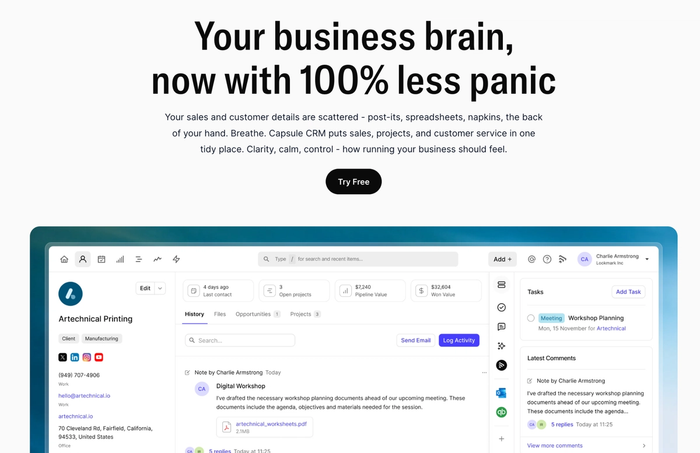
Capsule also feels light and quick to use, making it a strong fit for small architecture firms that want a clean, user-friendly interface rather than a complex system.
Key features for architects
- Contact management built around real projects. Capsule links people, companies, and past work so you always see the right context before calls or client meetings.
- Simple lead management to keep new work moving. Its visual sales pipeline helps you track inquiries, deals, client requests, proposals, and follow-ups.
- Strong task management for teams dealing with multiple projects. You can assign tasks, set reminders and keep track of responsibilities across your studio.
- A centralized platform for client data and project history. Project managers can easily revisit decisions or understand past changes.
- Useful integrations for business development efforts. Capsule connects with accounting tools, marketing platforms and other apps you already use.
Reviews
Users highlight Capsule’s clarity and ease of use.
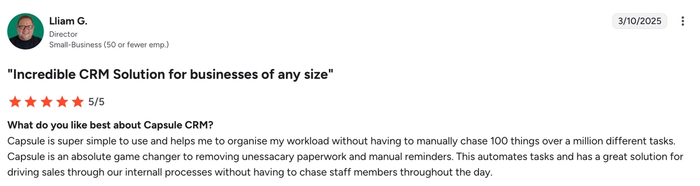
The reviews praise how simple it feels to move through everyday tasks and how well-organized client information stays throughout each project stage.
If you want a calm, well-organized workspace that supports the way architecture firms operate, try Capsule and see how it fits your practice.
Zoho CRM
Zoho CRM helps architecture and engineering firms keep leads and projects organized in a single hub. It brings together a contact history and sales pipeline so you don’t lose track when things get busy.
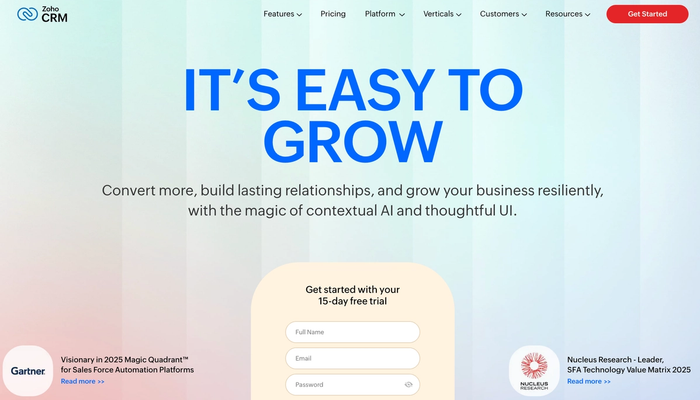
It works especially well when combined with project-management extensions, giving firms a way to link client data with project execution from start to finish.
Key features for architects
- Lead tracking and sales pipeline management. Zoho CRM lets you track prospective clients from first contact to signed contract. You can monitor where each lead stands, assign follow-ups, and avoid letting promising opportunities fall apart.
- Centralized client data and communication history. All client details, contact history, notes and correspondence stay connected to their profile. That means “who said what and when” remains clear, useful when revisiting project briefs or changes.
- Integration with project management for multi-phase work. By linking Zoho CRM with its companion Zoho Projects, you unlock task management, scheduling, document sharing and project-stage tracking – which helps keep design, subcontractor, and delivery tasks aligned.
Considerations for architecture practices
- Not a full project management system on its own. Zoho CRM by itself handles sales and CRM-side work, but to manage tasks, milestones, scheduling, or resource allocation effectively, you’ll likely need Zoho Projects or a separate project-management tool.
- It can feel heavy if you just need simple client/contact management. For small architectural studios with light admin needs, the full scope of CRM + project management features may feel more complex than needed.
- Some learning curve, and potentially overkill for purely creative workflows. Given its feature set and flexibility, teams may need time to configure and adapt – which means it may not feel as fluid as more minimal, design-first workflows.
Zoho CRM, especially when paired with Zoho Projects, is a capable, feature-rich platform that covers many needs of architecture and engineering firms. It’s a solid choice, though, for simpler setups or leaner teams, a lighter solution like Capsule may offer a faster, less complex fit.
Scoro
Scoro is a full-featured work management and CRM platform that many architecture and professional services firms use to combine sales and finance management. It aims to replace several isolated tools with a single system; ideal if you want tight oversight from lead to delivery.
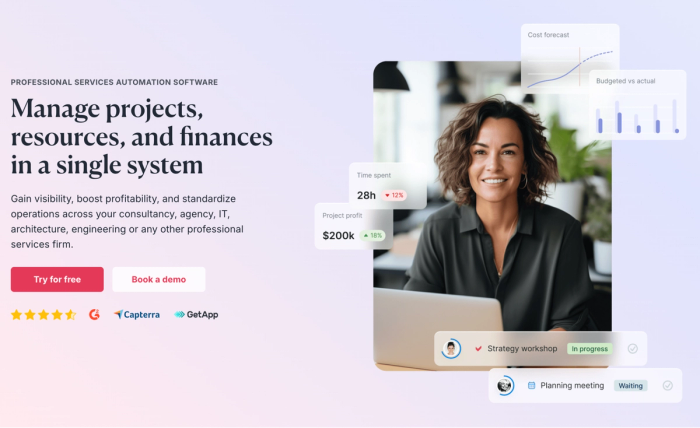
It’s especially useful for firms that handle multiple projects at once and need clarity on resources, billing, and project timelines.
Key features for architects
- CRM & pipeline management with quotes-to-project flow. Scoro tracks leads and deals through a customizable sales pipeline. Once a bid becomes a project, the quote can be converted into actual project tasks, so you avoid manually duplicating data when a proposal turns into work.
- Integrated project management and resource planning. You can break work into milestones and phases; assign responsibilities; and view workloads, dependencies, and deadlines in Gantt or calendar formats. That helps you coordinate architects and deliveries across multiple projects.
- Financial tracking, billing, and profitability insights. Scoro links project data with costs, budgets, billable hours, and invoicing, giving a clear view of project profitability and financial health of the firm.
Considerations for architecture practices
- Potential complexity for small teams. Because of its wide functionality (CRM, project management, billing) Scoro can feel heavy if you just need basic client management or simple scheduling.
- Learning curve when adopting the full toolset. To take advantage of resource planning, billing, and project tracking features, some initial setup and team onboarding are needed.
- Might be overkill if you rely on external CAD/BIM or document-heavy workflows. Scoro handles tasks, timelines, finances, and client data, but for deep architectural deliverables (drawings, BIM models, CAD integration) you may still need specialized software alongside it.
Scoro is a powerful choice when you want a unified platform that covers CRM, project management, resource planning, and finance. Though for lighter or design-centric workflows, a simpler CRM like Capsule might still be a faster and more comfortable fit.
BQE Core
BQE Core combines customer relationship management, project management software and accounting software in a single platform tailored for architectural and engineering firms. It aims to give you one central place for client data, project delivery, billing, reporting, and financial tracking.
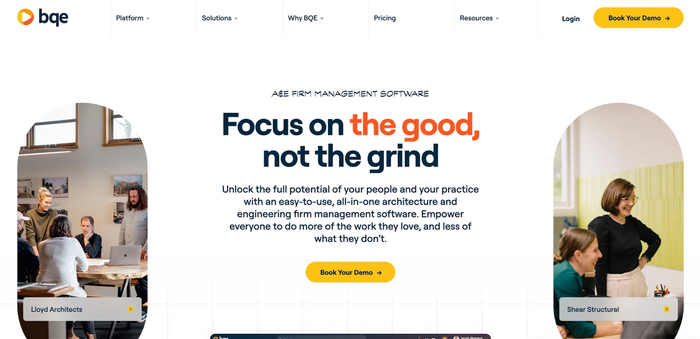
It works particularly well if you want to keep CRM data, project workflows, and finance tools aligned under one roof, avoiding messy spreadsheets and disconnected systems.
Key features for architecture firms
- Integrated CRM and sales-to-project workflow. BQE Core tracks leads and client interactions, then allows you to convert successful proposals into active projects, ensuring no details get lost between sales and project delivery.
- Resource management and scheduling tools for multi-phase projects. The platform helps manage staff, time, and project phases, giving visibility into who works on what, when, and how that aligns with project timelines.
- Financial data, billing, and profitability tracking. Because BQE Core couples project data with accounting and finance tools, you can keep an eye on budgets, costs, and actual project profitability – helpful for making informed decisions in business development and ongoing operations.
Considerations for architecture practices
- More complex than a simple CRM. Because it bundles CRM, accounting and project management, there’s a learning curve; smaller or lean teams may find the scope overwhelming.
- It might feel heavy if you only need light admin support. If your firm handles only small projects or prefers minimal overhead, BQE Core’s full suite could feel like overkill, slowing down quick workflows.
- Less flexibility for highly design-centric workflows. While it manages projects, finances, and clients well, architecture work often involves file-heavy design phases or non-standard workflows that may still require specialized design tools.
BQE Core offers a powerful, unified solution which makes it a strong candidate for architecture businesses aiming for structured growth. That said, if you prefer something lighter and more streamlined, a simpler platform like Capsule might still be a better match.
CMap
CMap offers architecture-focused CRM software designed to help firms manage leads, clients, and projects in one unified space. It combines CRM features with document generation and project workflows, giving firms a smoother path from inquiry to delivery.
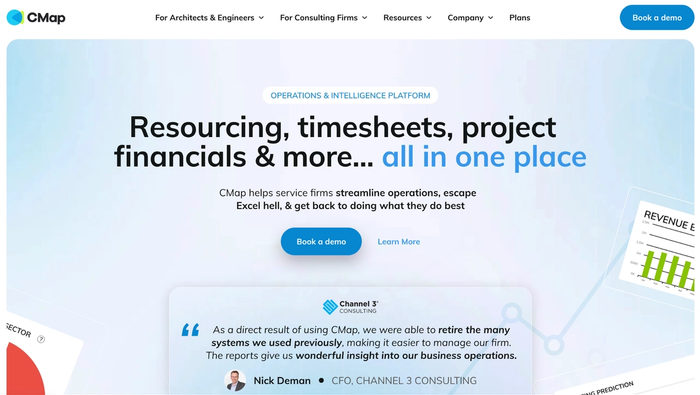
It works well for practices that want a CRM platform tailored to design-oriented businesses rather than a generic sales tool.
Key features for architecture firms
- Marketing automation and lead tracking. CMap captures leads from webforms or campaigns, then lets you nurture them automatically. It's a handy boost for business-development efforts without adding overhead.
- Document management and proposal generation. The platform supports templated proposals and estimates, auto-populating client data and cost tables, so quotes and offers look professional and consistent.
- Integrated view of client interactions and project history. All client communications, project data, and past engagements live together, enabling better visibility into client preferences, project timelines, and past decisions.
Considerations for architecture practices
- Might require customization for complex project delivery. While CMap handles CRM-side work well, very complex multi-phase projects may still demand a dedicated project management software for scheduling, resource management, or construction-phase tracking.
- Less emphasis on deep accounting or financial tools. As a CRM-oriented platform, CMap may not cover full accounting systems or finance tools, which some firms need when they manage billing and project profitability directly.
- May not replace specialized architecture-delivery tools. For heavy design workflows, you’ll likely still rely on dedicated design-oriented tools. CMap helps with client and project organization, but isn’t a substitute for core architecture software.
If you want to build marketing automation and handle client onboarding and proposals more consistently, CMap is a strong pick. Still, if your firm deals with complex project delivery or needs deeper finance and resource planning, a lighter CRM or a broader tool like BQE CORE or a full project management solution may work better.
Conclusion
In architecture, details matter: and so does a trustworthy memory of every client, every meeting, and every delivery. A smart piece of architecture CRM software helps you gather customer data and stay ahead of client needs. That kind of consistency doesn’t just help you complete projects: it builds better client relationships.
If you want to give your firm that clarity and keep client interactions tight and organized, try Capsule!