The CRM market for small businesses has crossed a strange threshold.
There's more choice than ever, the free tiers are more capable, and the marketing makes every product sound like the obvious answer. Yet most small businesses still run their sales process on spreadsheets and inbox folders, because picking the wrong CRM costs more than picking none at all.
The wrong choice usually means one of two things.
Either the platform turns out to be too heavy, and nobody actually uses it, or it's too light, and the company outgrows it within a year. The right choice is the one that goes hand in hand with how the business operates today, with enough room to grow.
Today, we’ll cover six CRM solutions that work really well for small businesses in 2026. Each entry includes what it's good at, where it falls short, what it costs, and which kind of small business it's built for.
Core capabilities of a small business CRM
- Contact and pipeline management to maintain. A CRM that requires twenty minutes of data entry per deal won't survive a busy week. Simplicity wins.
- Automation workflows. Follow-up reminders and sequenced tasks save hours, while heavy workflow builders rarely get used.
- Reporting to read in five minutes. Pipeline value, win rate, and revenue by segment, surfaced cleanly; not a 40-tab dashboard nobody opens.
- Integrations with various business tools. Email and accounting first, with calendar and marketing platforms close behind. The CRM has to fit into the stack, not replace half of it.
- A price that scales with the business. Per-user pricing that makes sense at five users and still makes sense at fifteen.
The list below is filtered for these criteria. Several well-known platforms aren't on it, because they're built for sales orgs that look different from a small business.
Leading small business CRMs in 2026
#1 Capsule CRM
Capsule is built for small businesses that want a serious CRM with no enterprise weight. It handles contact management, pipeline tracking, and sales reporting cleanly, with AI features that match what bigger platforms charge a multiple for.

Why Capsule fits small business
Capsule gives growing businesses the structure of a capable CRM while keeping the day-to-day experience simple. The product reflects that. Setup takes hours, and the interface doesn't punish people who use it part-time. Custom fields and pipelines are easy to configure with no admin required.
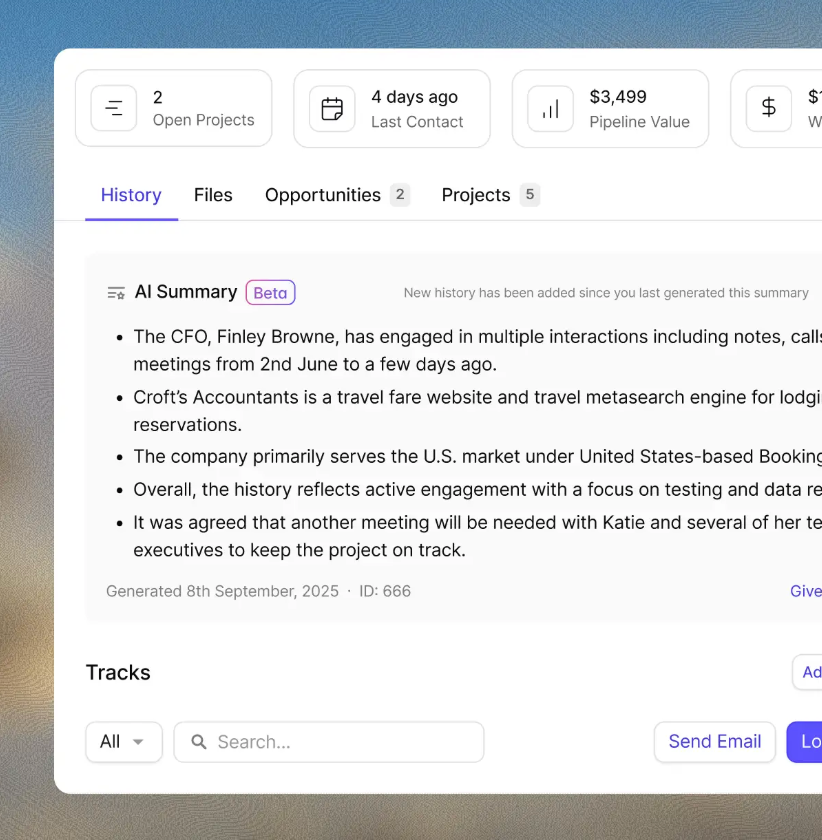
Capsule's contact management gives every person and organization a full timeline of communication and files, plus active opportunities attached to the record. In a small business, that can mean reopening a stalled deal with a clear record of the last conversation, the buyer’s objections, the promised follow-up, and the next best step.
Where Capsule earns its keep
- Sales pipelines show every active deal at a glance, with stage progression and value. Multiple pipelines let the business separate new business from upsell, or different product lines from each other.
- Tracks automate the parts of sales that are easy to overlook when people are stretched. A new lead triggers a sequence of follow-up tasks, and a closed deal triggers onboarding steps. The system runs the cadence; the team focuses on the conversations.
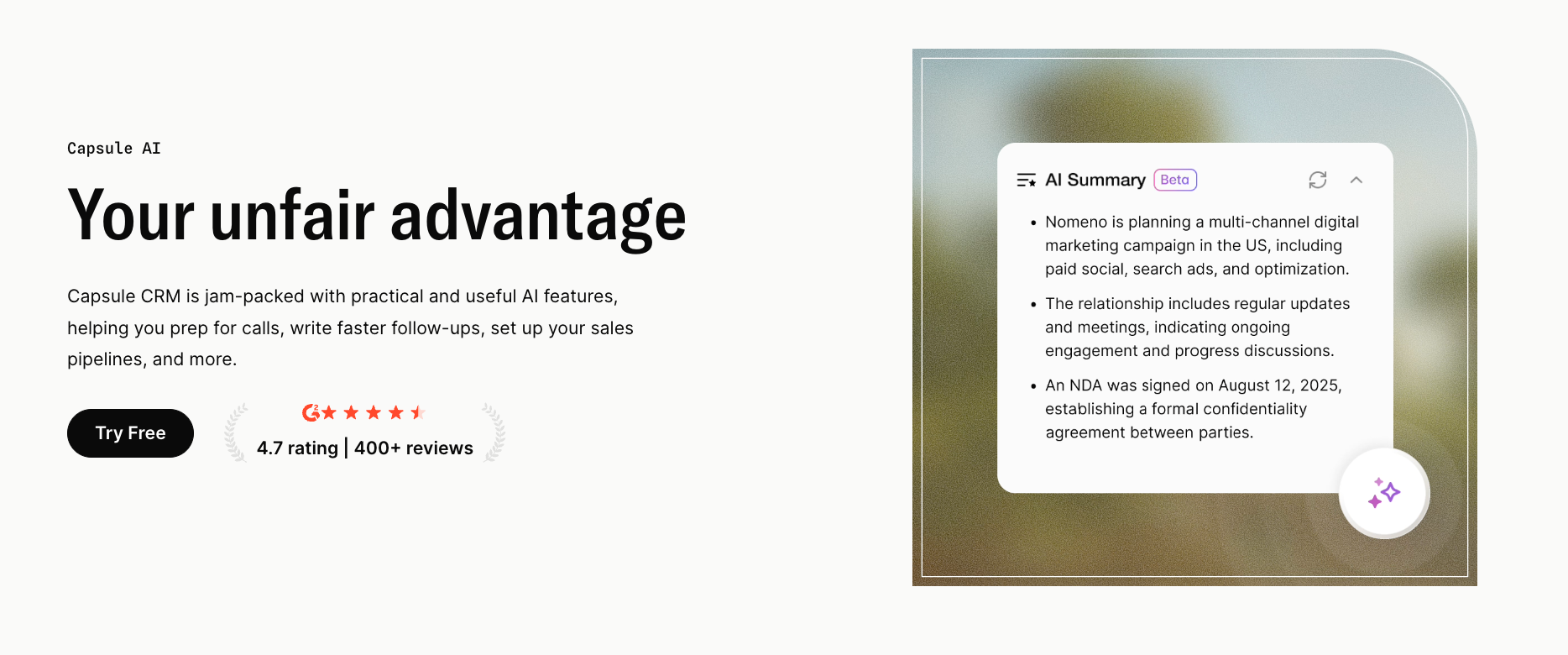
- Capsule AI handles writing and summarization that used to eat hours every week. AI Summaries condense long contact histories into thirty-second briefs. AI Content Assistant drafts follow-up emails from the relationship history.

Sales analytics covers what a small business owner actually needs to see. Pipeline value at each stage, win rate by source, and revenue grouped by tag or custom field.
What Capsule isn't
Capsule isn't a marketing automation platform. It doesn't run heavy email campaigns, host landing pages, or score leads with twelve-variable models. For those, it integrates with other tools, like Transpond.
Pricing: Free plan for up to two users and 250 contacts. Starter from $18/user/month. AI features from $36/user/month.
#2 HubSpot CRM
HubSpot is the most marketing-aware CRM on the list, and the obvious choice for small businesses where content marketing and email nurture do most of the sales work.

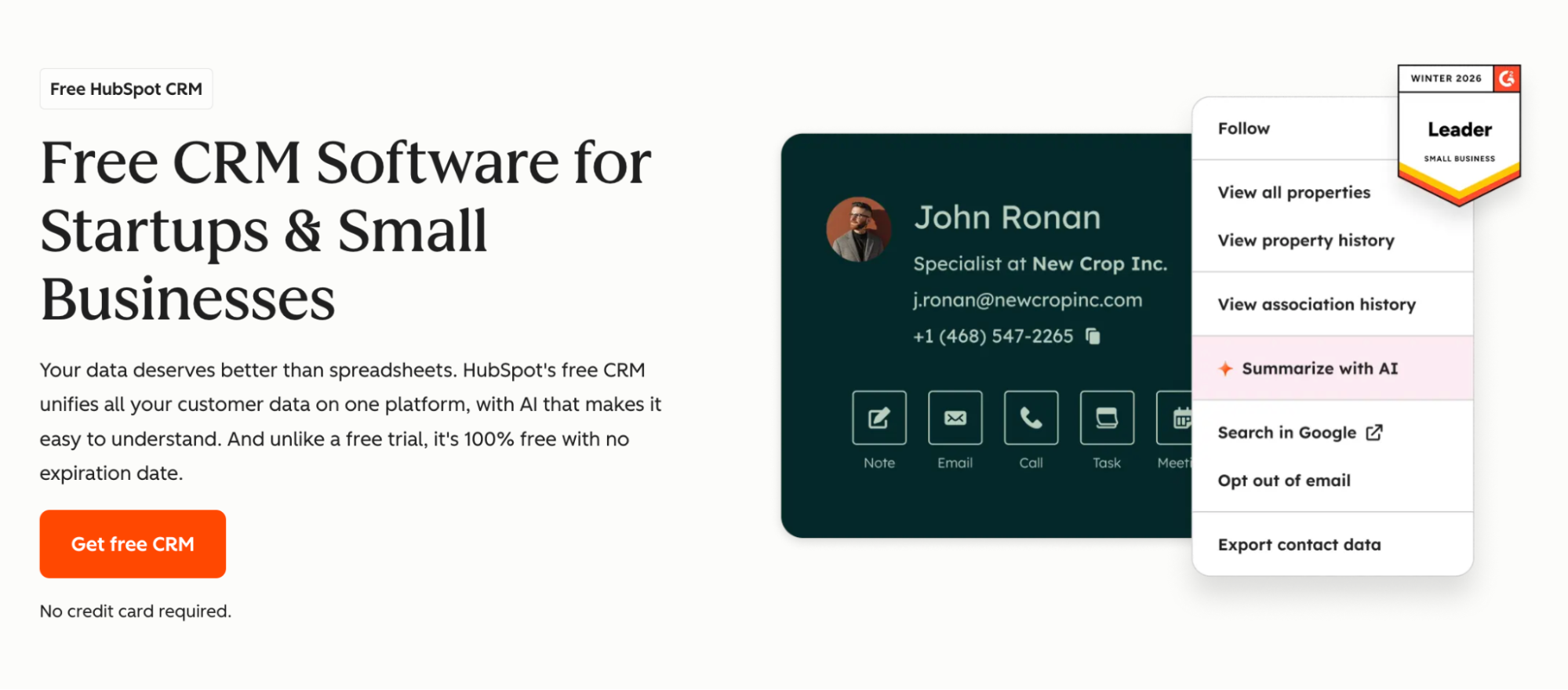
The free tier is solid. Contact management and basic deal tracking are included with no time limit. The package also includes email integration and meeting scheduling. A small business that wants to bring more structure into its sales process, but is not ready to pay yet, will find HubSpot’s free plan difficult to beat.
The main consideration is how the plans scale. HubSpot’s paid tiers rise quickly, and features many smaller teams eventually want, such as workflows and custom reporting, sit on higher plans. A growing business can move into a paid tier and end up spending more than expected. Pricing can also depend on contact volume across some features, which becomes expensive when the business has a large email list.
HubSpot makes the most sense when the company also needs marketing tools or plans to build that function soon. In that case, the CRM and marketing automation can justify the cost. When sales are mainly outbound or referral-driven, much of that marketing depth may go unused.
Pricing: Free plan available. Marketing Hub paid plans from $20/user/month.
#3 Insightly
Insightly is a CRM with a clear strength in post-sale delivery. Its project management features are built into the CRM, which makes it useful in businesses where a closed deal quickly turns into client work.

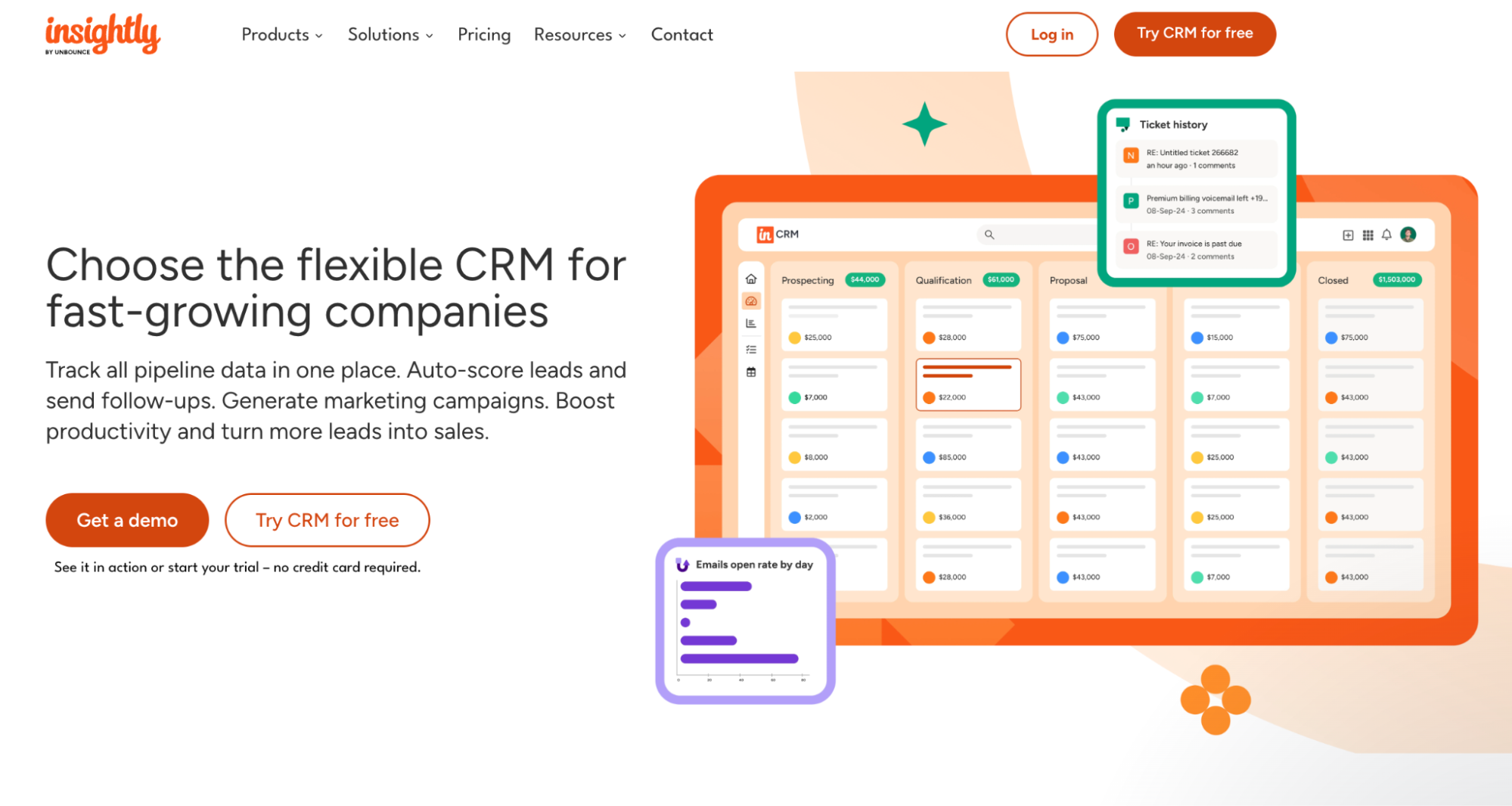
That handoff is the main reason to consider it. Insightly can convert a won opportunity into a project and carry over relevant details, tasks, and customer context into the delivery stage. That connection is important in project-based businesses, where small details from the sales operations can affect how the work gets delivered.
The core CRM is capable, rather than best-in-class. Pipeline management, contact records, reporting, and dashboards are all present. The Plus plan includes lead and contact management, project management, advanced reports, and pre-built dashboards. Workflow automation starts on the Professional plan, which is worth noting if automation is part of the buying criteria.
Insightly makes the most sense when the CRM-to-project bridge matters more than having the most polished sales interface on the market. Teams that mainly need pure sales execution may prefer a more sales-focused CRM. Teams that sell work and then have to deliver it will get more value from Insightly’s connected approach.
Pricing: From $29/user/month on the Plus plan, billed annually. Professional starts at $49/user/month, billed annually.
#4 Monday CRM
Monday CRM is strongest when the CRM is only one part of how the company runs. It is built on the wider monday.com work platform, so the real advantage is not a superior sales database. It is the ability to connect sales activity with the rest of the work happening around the customer.

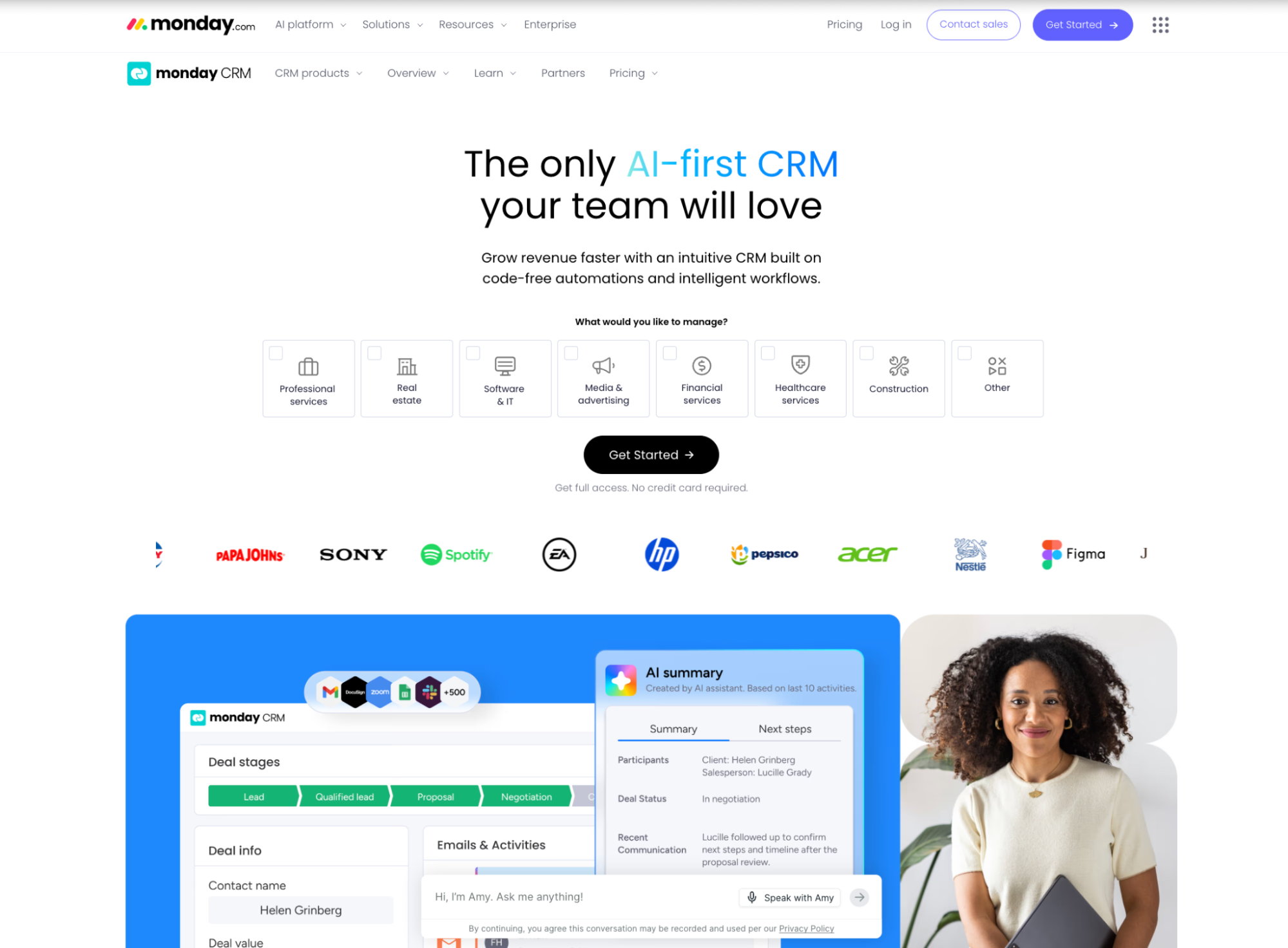
That makes it useful in businesses where a deal does not simply move from “won” to “done.”
A new client might trigger onboarding tasks, design work, delivery milestones, finance approvals, or a handoff to an account manager. Monday handles cross-functional workflow well because the CRM can work alongside project boards, marketing calendars, and operational processes in the same system. Its CRM product supports customizable boards, fields, views, automations, dashboards, and email sync, which gives teams a lot of room to shape the system around how they already work.
The drawback is the same thing that makes it appealing: flexibility. Monday CRM can become too open-ended. A team that wants a ready-made sales system may find itself spending too much time deciding how the CRM should be structured. Pipelines, ownership rules, follow-up stages, dashboard logic, and handoff workflows all need careful setup. Otherwise the CRM becomes another busy board.
It is also not the cleanest choice when sales discipline is the main priority. Monday can track leads and deals, but it does not feel as purpose-built around relationship history, pipeline coaching, or CRM-native reporting as more dedicated sales platforms. The fit is much stronger when the business needs one shared workspace across sales and delivery than when it needs deeper sales management.
Pricing: From $12/seat/month on the Basic CRM plan, billed annually. Monday’s pricing uses a minimum of three seats, so the real starting cost is at least $36/month on that plan.
#5 Salesforce Starter Suite
Salesforce Essentials is now better understood as Salesforce Starter Suite, Salesforce’s current small-business entry point. It keeps the Salesforce promise, but packages it in a lighter product aimed at smaller teams.

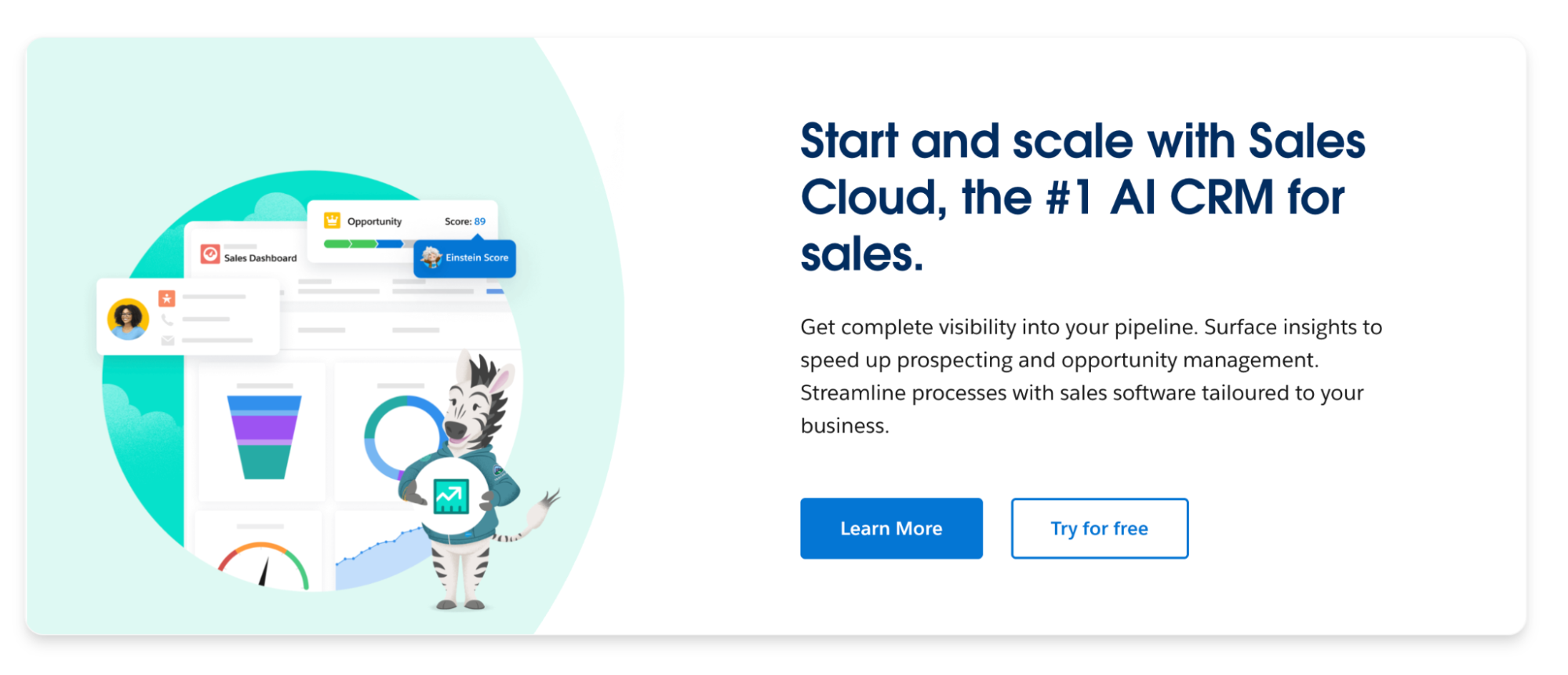
The main reason to choose it is not simplicity – it is continuity. A business that starts on Salesforce is already working inside the ecosystem many larger companies, consultants, integration partners, and sales hires know well. That can matter in industries where Salesforce is the default language: enterprise software, financial services, partner sales, channel sales, and companies selling into larger organizations.
Salesforce also has a broad integration and app ecosystem, including AppExchange and API-based integrations, which gives it a lot o long-term room.
However, Salesforce Starter Suite still feels like Salesforce. Even in the small-business package, it is more system than many small teams need. The setup, data model, terminology, permissions, and reporting structure can feel heavy when the company mainly needs contact history or simple pipeline tracking. The danger is paying early for a platform mindset before the business has platform-level problems.
It also has a steeper upgrade path. Starter Suite begins at $25/user/month, but Salesforce’s own sales pricing places Pro Suite at $100/user/month. The entry price is manageable, but the next step up can change the economics quickly when the team starts needing more control over the process.
Salesforce Starter Suite makes sense when the company expects to grow into a more complex sales operation, already works with Salesforce-heavy customers or partners, or wants access to the Salesforce ecosystem from day one. A small business that wants a clean, low-admin CRM may get better value from a lighter platform.
Pricing: From $25/user/month on Starter Suite. Pro Suite is listed at $100/user/month.
#6 Pipedrive
Pipedrive is the clearest sales-pipeline CRM in this group. It is built around deals moving through stages. That focus is the reason teams adopt it quickly, and also the reason some businesses eventually outgrow it.

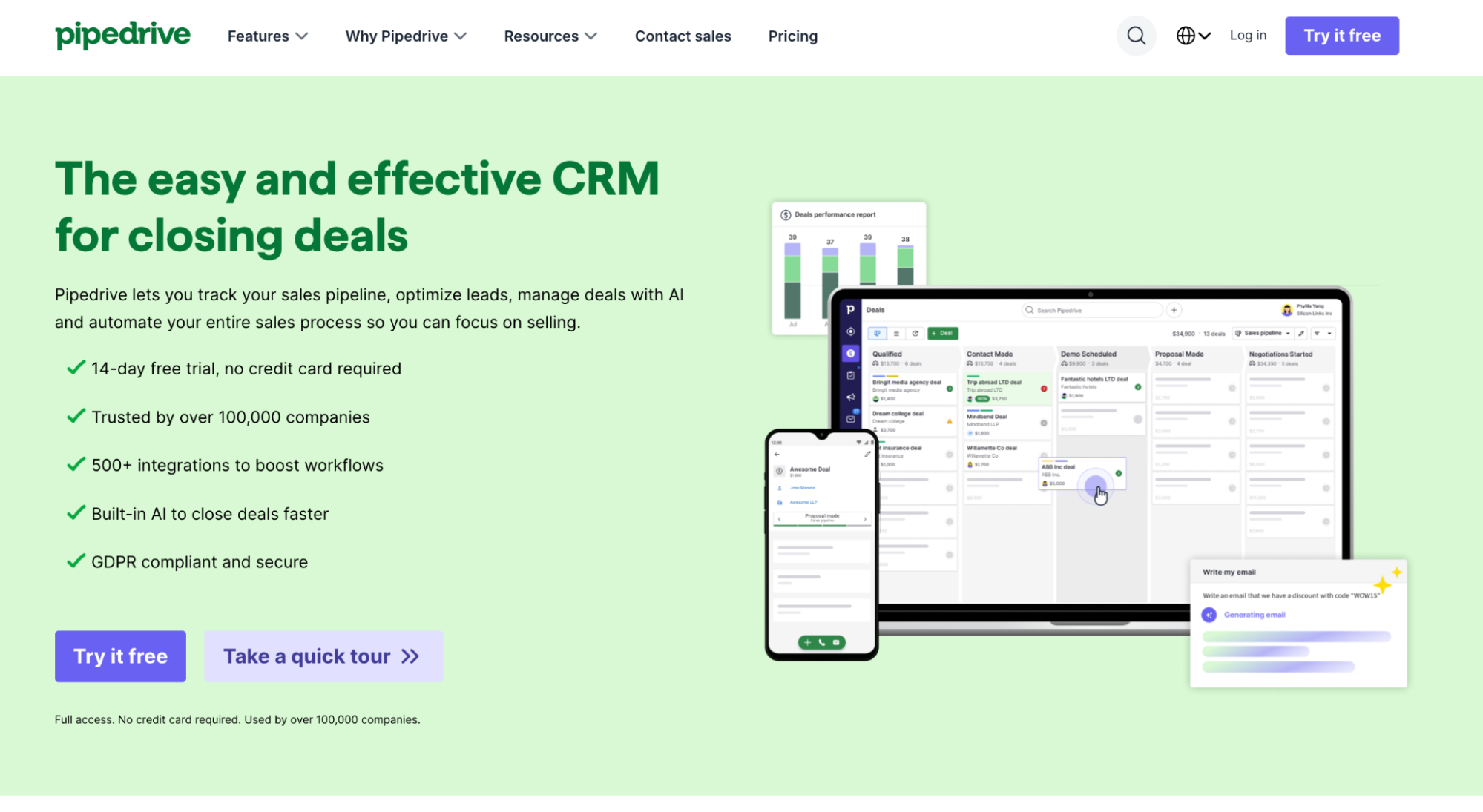
Its strongest feature is the pipeline view. Deals are displayed in a kanban-style board, move from stage to stage, and show the team where work is stuck. That sounds basic, but it is exactly what many sales-led businesses need.
Activity tracking is where Pipedrive becomes more useful than a spreadsheet with stages. Calls, emails, tasks, meeting notes, and follow-ups can sit against the deal record. Pipedrive also puts strong emphasis on mobile use. Its mobile CRM supports lead and activity tracking, call and email logging, pipeline access, reminders, and notes while reps are away from their desks.
The weakness is that Pipedrive stays close to sales. That is helpful when the business mostly needs lead management, deal tracking, and sales follow-up. It is less helpful when the CRM has to cover account management, customer success, service workflows, or post-sale delivery in depth. Teams can extend Pipedrive with integrations and add-ons, but the centre of gravity remains the sales pipeline.
Pipedrive is a strong fit when the sales process is the main operating rhythm of the business: B2B services, wholesale, distribution, agencies with outbound sales, and teams that live by weekly pipeline reviews. It is less compelling when the company wants one CRM to manage the full customer lifecycle after the deal closes.
Pricing: From $14/user/month on the Lite plan, billed annually. Pipedrive offers a 14-day free trial.
CRM selection and implementation checklist
Use this checklist before choosing a CRM, during setup, and after the team starts using it.
Before choosing
1. Match the CRM to the way the business sells today.
Start with the work the CRM needs to support now, instead of the version of the company you hope to become later. If the team mainly needs pipeline visibility, choose around that. If the bigger problem is marketing handoff, project delivery, or customer history, choose around that instead. The best CRM is the one people keep using after the trial ends.
2. Look at the plan you will need six months from now.
The entry price can be misleading. A starter plan may look affordable until the team needs automation, better reporting, more users, or higher contact limits. Look past the cheapest plan and check where the practical limits begin. Some CRMs keep essential features on lower tiers, while others push them into more expensive plans.
During selection
3. Trial the CRM with real sales work.
Do not judge the tool from a demo account full of sample data. Add real contacts, real deals, current follow-ups, and the pipeline stages the team already uses. Then ask the practical question: would people actually keep this updated? If the answer is no, the CRM is already in trouble.
4. Let daily users shape the decision.
The CRM should not be selected only by the person who cares most about admin settings. The people who manage relationships also need a say. Adoption depends on whether the system feels useful in daily work. CRM implementation guidance consistently points to user involvement, training, and adoption planning as major factors in whether the rollout sticks.
During implementation
5. Clean the data before moving it.
A new CRM will not fix messy records by itself. Clean obvious issues first, then check how key fields will land in the new system. A small test import is worth doing because it reveals problems that are hard to spot in a spreadsheet.
After launch
6. Set a few usage rules and review them quickly.
The first rollout should focus on habits. Make it clear what must always happen in the CRM: new leads are added, active deals stay current, important conversations are logged, and next steps are visible. After the first month, check where people are still working outside the system and simplify anything that creates friction.
Why Capsule leads the list for small business CRM
A good small business CRM has to earn daily use. It needs to make follow-ups easier to manage, customer history easier to find, and pipeline movement easier to see. It also has to stay affordable once the team adds more sales activity.
Capsule earns the top position because it handles that everyday CRM work cleanly.
Contacts, opportunities, tasks, pipelines, projects, and reporting all sit in one practical system, so the team can track relationships from first conversation through closed deal and follow-up. The product also gives small businesses room to structure their data properly, with custom fields, tags, activity history, Gmail and Outlook integrations, and AI content assists available even on the free plan.
Capsule leads here because the value is practical: small teams can organize contacts, manage deals, keep follow-ups visible, and add structure as the business grows. That is what most small businesses need from a CRM in 2026, and beyond.