That setup works well for companies that want several departments using connected applications. However, it can feel excessive when your sales team only needs a CRM.
A business using Odoo mainly for contacts and opportunities has plenty of alternatives. Another company may still want sales, marketing or service connected in one platform, but have no reason to keep CRM tied to ERP.
Here are eight Odoo CRM alternatives worth comparing in 2026.
What is Odoo CRM?
Odoo CRM is the customer relationship management application inside the wider Odoo business suite.

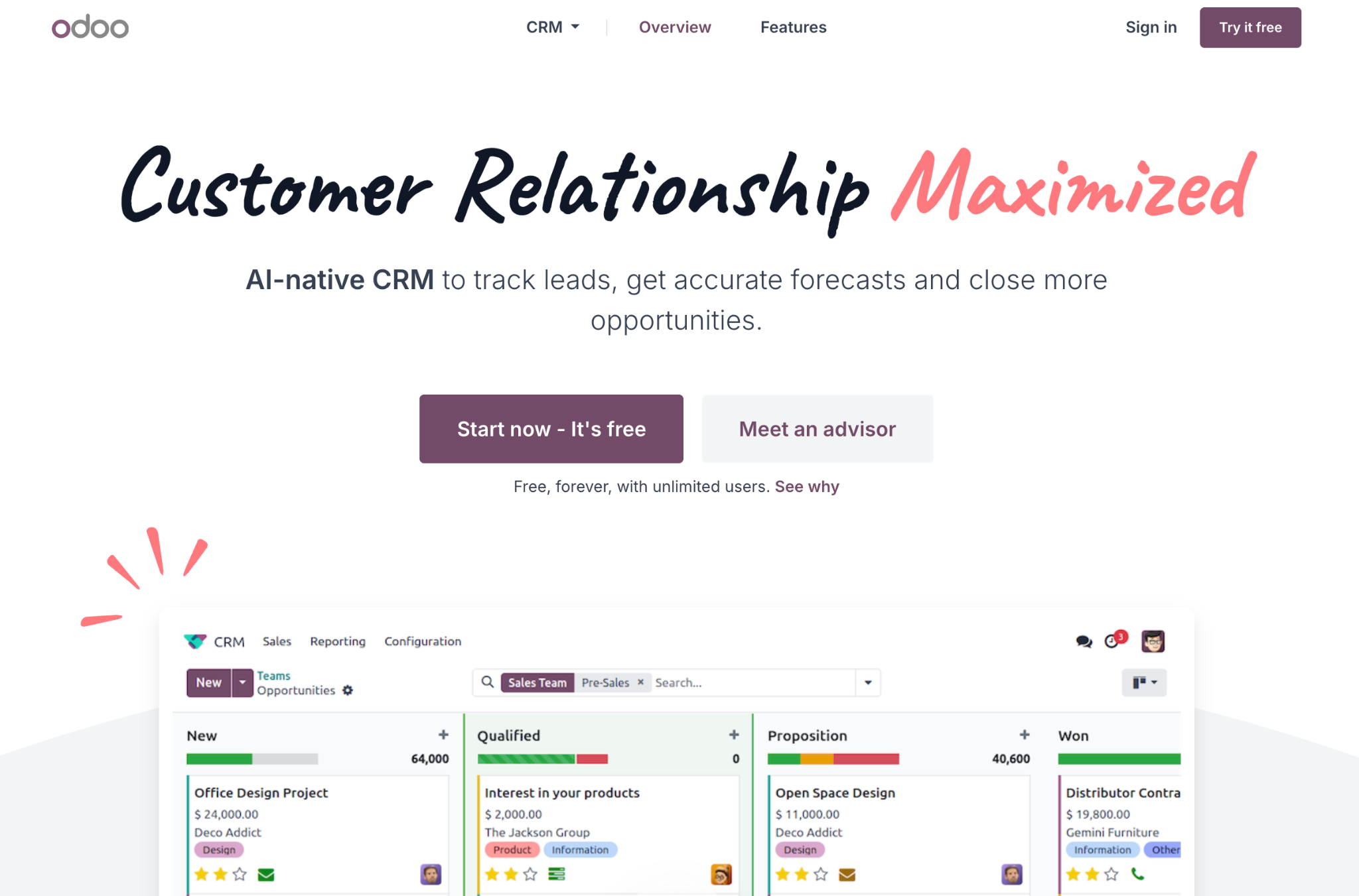
Sales teams can use it to capture leads, manage opportunities, schedule activities and track performance. The difference from many standalone CRMs is what can happen around that sales process.
An opportunity can connect to quotations and invoicing. Customer records can also remain inside the same environment as Odoo Inventory, Projects, or other applications used elsewhere in the company.
Odoo's pricing reflects that model. Its One App Free plan allows one application with unlimited users, while the paid plans open access to the larger app suite.
So replacing Odoo CRM doesn't always mean replacing… Odoo.
A company using CRM mostly as a sales tool can move it elsewhere and leave finance or operations in other systems. A business relying heavily on connections between Odoo applications has more dependencies to map before migrating.
For a closer look at the differences, see our guide to CRM vs ERP. CRM primarily supports sales and customer relationships, whereas ERP connects broader operational areas such as finance and inventory.
Best alternatives to Odoo CRM
1. Capsule CRM
Best for: Small and midsize businesses that want CRM separated from accounting, inventory, and operational software.

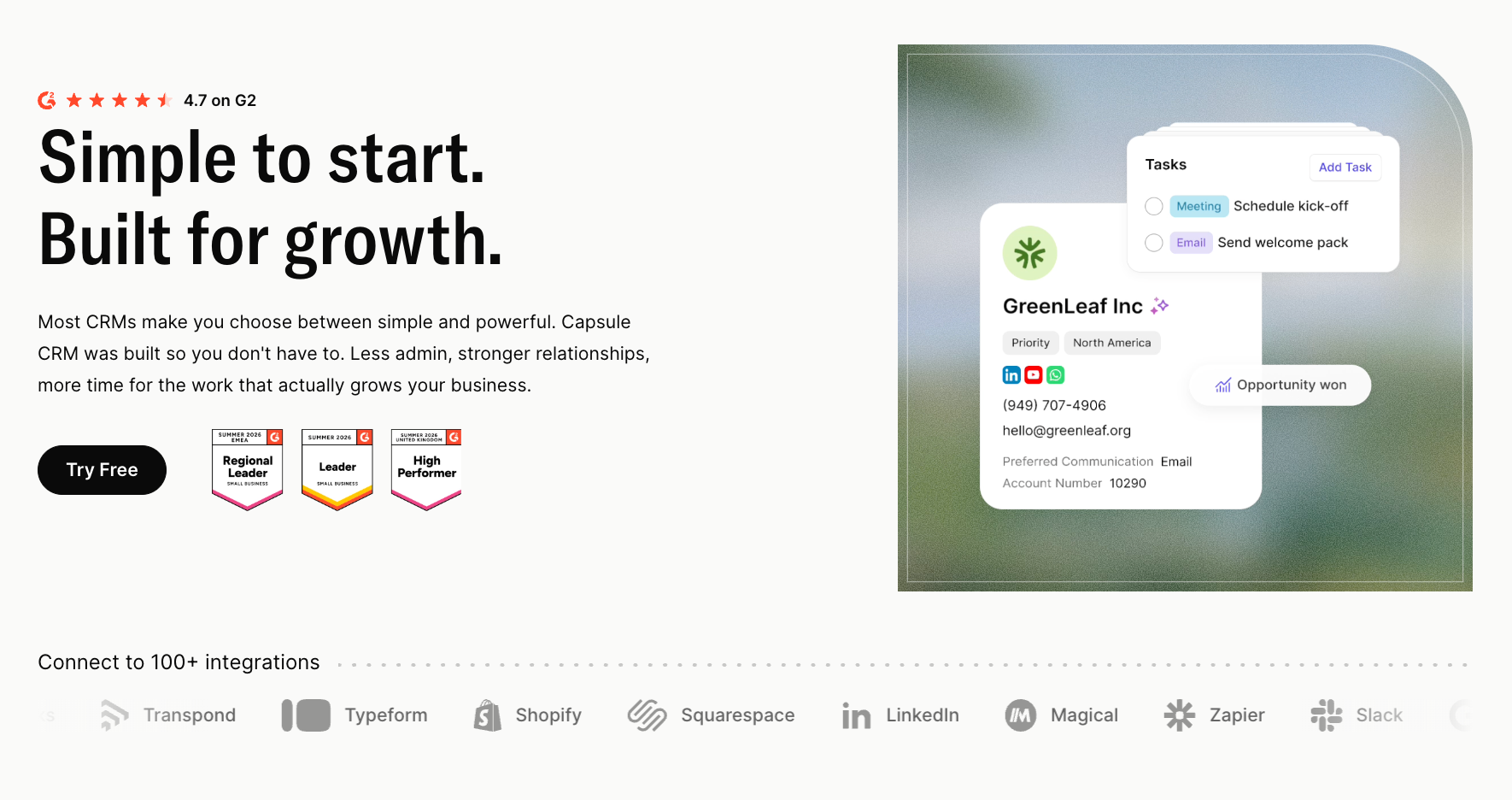
Capsule takes a much more focused route than Odoo.
Capsule concentrates on customer relationships and sales. Contacts, companies and opportunities stay connected, while customizable pipelines give teams a clear view of work in progress.
Communication can remain attached to the customer record, so a salesperson can see the history of the relationship before following up. Tasks and automation help keep the next action visible as an opportunity moves through the pipeline.
Other departments don't have to change the systems they already use.
That works particularly well when finance is established in Xero or QuickBooks, marketing runs elsewhere, and operational teams have specialist software they want to keep.
Our Xero CRM integration can connect customer data with Xero, while businesses using QuickBooks can link the two systems through our QuickBooks CRM integration.
Once a deal closes, simpler customer work can continue in Projects. Companies running more complex delivery processes can hand the work to another platform and keep Capsule responsible for the commercial relationship.
Key features
- contact and company management
- customizable sales pipelines
- opportunity tracking
- sales forecasting
- tasks and follow-up
- workflow automation
- custom fields and tags
- Projects for post-sale work
Pricing
Capsule has a free plan for up to two users.
Starter costs $18 per user per month when billed annually, with higher plans adding more capacity, automation, and reporting features.
Capsule won't replace Odoo Inventory, Manufacturing, Accounting or POS. It’s designed for businesses that want CRM to remain a dedicated part of the stack instead of extending one system across the company.
2. HubSpot CRM
Best for: Businesses that want sales, marketing and customer service connected around shared customer data.

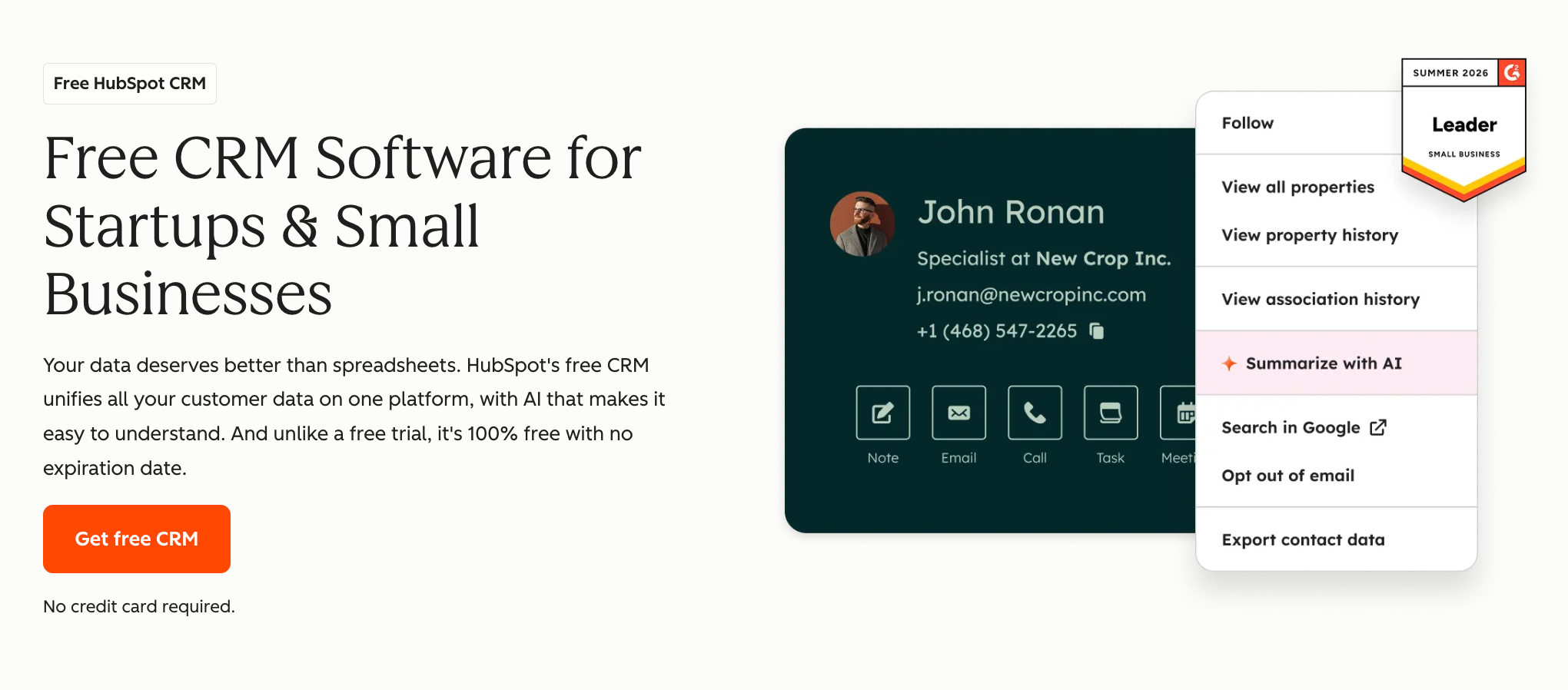
HubSpot also extends beyond CRM, but it grows around customer-facing teams instead of ERP.
CRM can serve as the starting point, with additional tools added as the business grows. Marketing, sales, service, content, and data teams can all work with connected customer information within the same platform.
This gives HubSpot a different place in the market from Odoo.
Odoo can connect sales to areas such as inventory and finance. HubSpot is more focused on what happens across acquisition, sales, and customer-facing work.
That can suit companies where marketing and sales need to work closely together, especially when several teams need access to the same customer history.
The risk is replacing one large platform with another.
A smaller business leaving Odoo because it wants a simpler CRM should consider how many HubSpot products it is likely to adopt over time. The entry point can look straightforward, but paid functionality across several Hubs can add cost and administration.
Our Capsule vs HubSpot comparison looks at the difference between a larger customer platform and a more focused CRM.
Key features
- contact and company management
- deal pipelines
- sales automation
- email tracking
- meeting scheduling
- sequences
- forecasting
- prospecting tools
- connected marketing and service products
Pricing
HubSpot provides free CRM tools. Sales Hub Starter has a list price of $20 per seat per month. Professional starts at $100 per seat per month, with Enterprise above that.
Our guide to HubSpot CRM pricing goes deeper into how costs change as businesses add paid sales functionality.
3. Zoho CRM
Best for: Businesses that want a highly configurable CRM at a relatively accessible entry price.

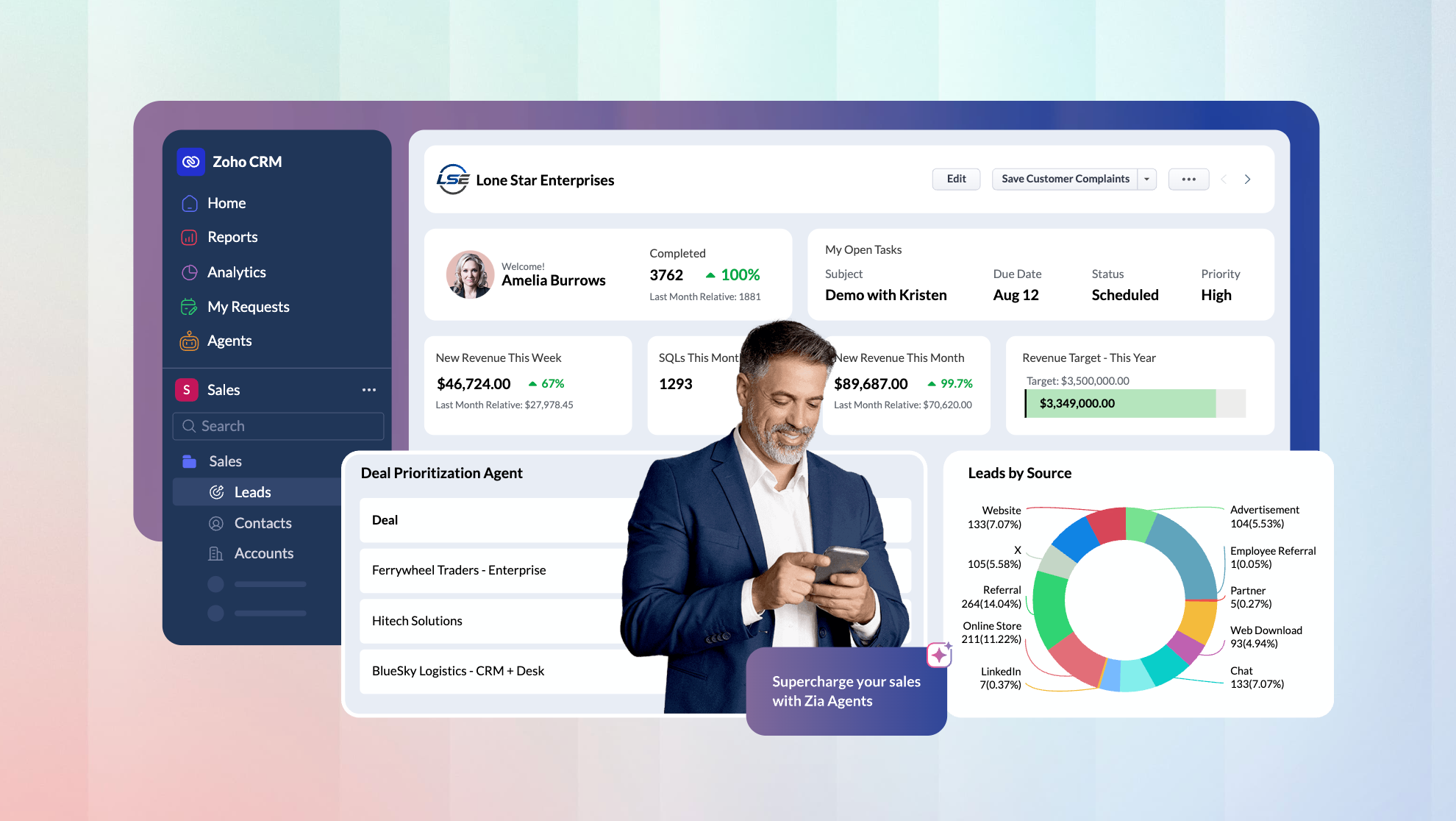
Zoho CRM gives administrators a lot of control over how sales processes work.
Teams can build multiple pipelines, create custom modules, define approval rules and use Blueprint to guide users through a specific process. Territory management and assignment rules provide more options for companies with complex sales structures.
Zoho offers much more than CRM alone. Businesses can adopt the CRM first, then bring in other Zoho applications as their needs grow, which makes it a more flexible alternative to Odoo than an isolated sales tool.
The main consideration is how much configuration the team wants to maintain.
A company with unusual approval processes or detailed sales workflows may value the extra control. A smaller business trying to keep its pipeline simple may find itself setting up features it rarely uses.
Teams comparing those two philosophies can look at Capsule vs Zoho CRM.
Key features
- leads, contacts and deals
- multiple sales pipelines
- workflow automation
- sales forecasting
- custom modules
- territory management
- Blueprint process management
- approval and assignment rules
- AI features through Zia
Pricing
Zoho CRM offers a free edition.
Annual pricing currently starts at:
- Standard: $14 per user per month
- Professional: $23
- Enterprise: $40
- Ultimate: $52
Our Zoho CRM pricing guide explains what changes between those plans.
4. Pipedrive
Best for: Sales teams that want pipeline management to drive their daily CRM workflow.

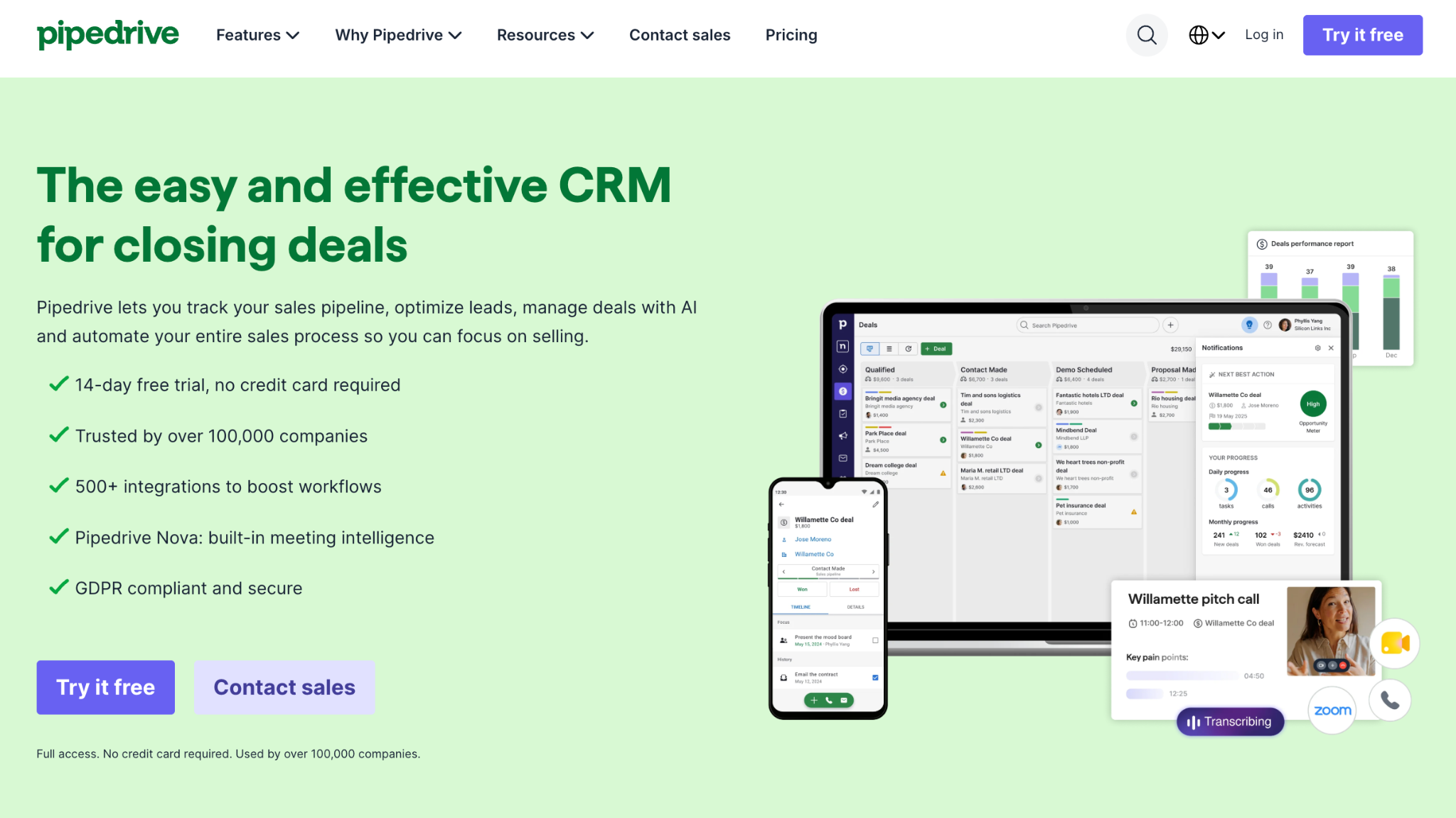
Pipedrive moves much further away from the ERP model.
The platform puts the sales pipeline first. Opportunities move through customizable stages, tasks and activities stay connected to each deal, and reps can easily identify what to do next. For sales teams relying on Odoo mostly for pipeline management, this can simplify the setup.
The focus on deal progression also shapes how people use the system. Pipedrive is less concerned with running other parts of the company and more concerned with helping sales teams move work forward.
Businesses can still extend the product through integrations and add-ons, but the starting point is clearly CRM.
Capsule and Pipedrive both suit companies separating sales from ERP, though the products organize customer work differently. Pipedrive leans heavily into deal management, while Capsule places more emphasis on the wider relationship and can continue customer work through Projects.
Our Capsule vs Pipedrive comparison looks at those differences in more detail.
Key features
- visual sales pipelines
- lead and deal management
- activity tracking
- email sync
- sales automation
- sequences
- forecasting
- reporting and analytics
- lead scoring on selected plans
Pricing
Annual pricing starts at:
- Lite: $14 per seat per month
- Growth: $39
- Premium: $59
- Ultimate: $79
The Pipedrive CRM pricing guide covers plan differences and additional paid functionality.
5. Freshsales
Best for: Sales teams that want communication tools closely connected to CRM.

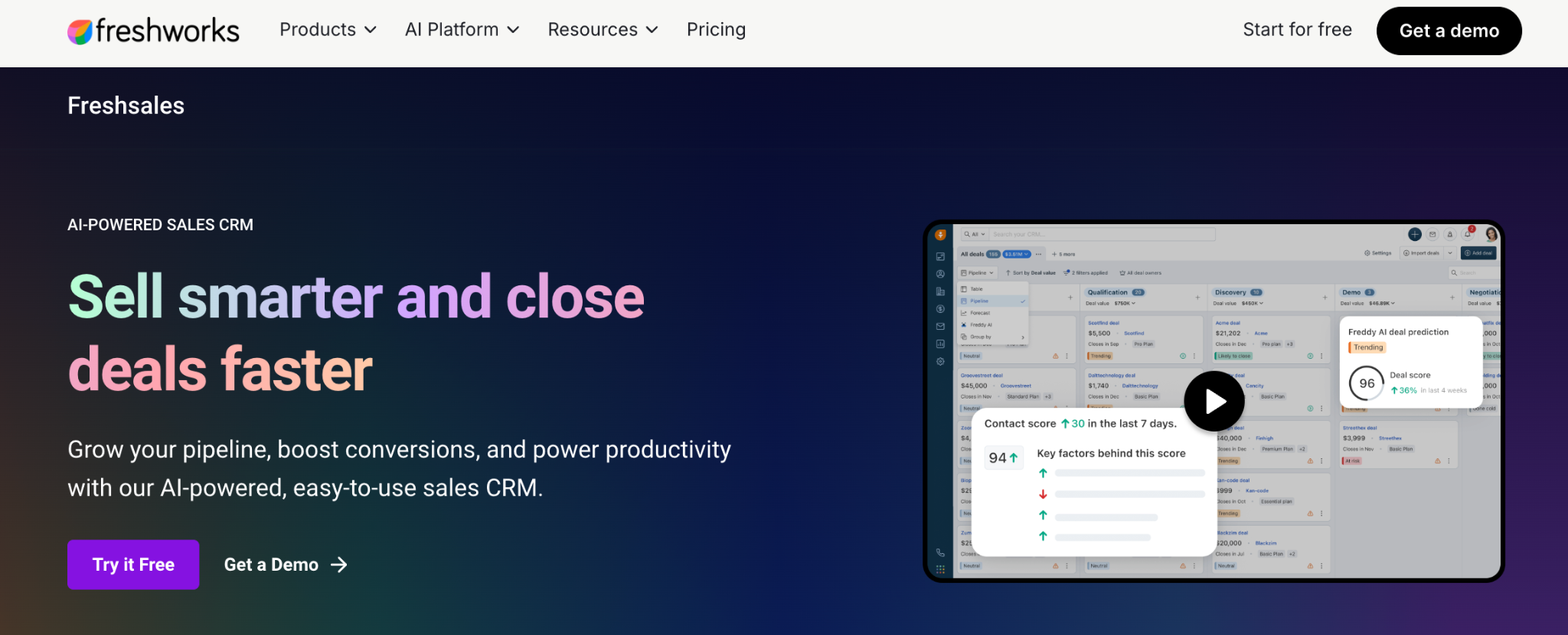
Freshsales puts more sales communication directly inside the platform than many focused CRMs.
Email can live close to customer records and opportunities. Phone and chat tools can also reduce the need to move between several applications during prospecting or follow-up.
This gives Freshsales a different value proposition from Odoo CRM. A team leaving Odoo may not need inventory or accounting connections, but it may still want a CRM that handles more of the salesperson's daily communication. Freshsales can cover that middle ground.
It also belongs to the wider Freshworks ecosystem, which can be relevant for companies already using Freshdesk or other Freshworks products. The CRM doesn't need to carry the entire business operation, but it can still connect with customer-facing tools in the same family.
Teams comparing it with a more focused relationship-management system can use our Capsule vs Freshsales comparison.
Key features
- contact and account management
- deal pipelines
- built-in email
- chat
- phone
- workflow automation
- contact scoring
- sales sequences
- Freddy AI features
Pricing
Freshsales currently offers a free plan for up to three users.
Annual paid pricing is:
- Growth: $9 per user per month
- Pro: $39
- Enterprise: $59
Our Freshsales pricing guide covers what each tier adds.
6. Salesforce
Best for: Larger organizations that want extensive CRM customization and enterprise sales functionality.

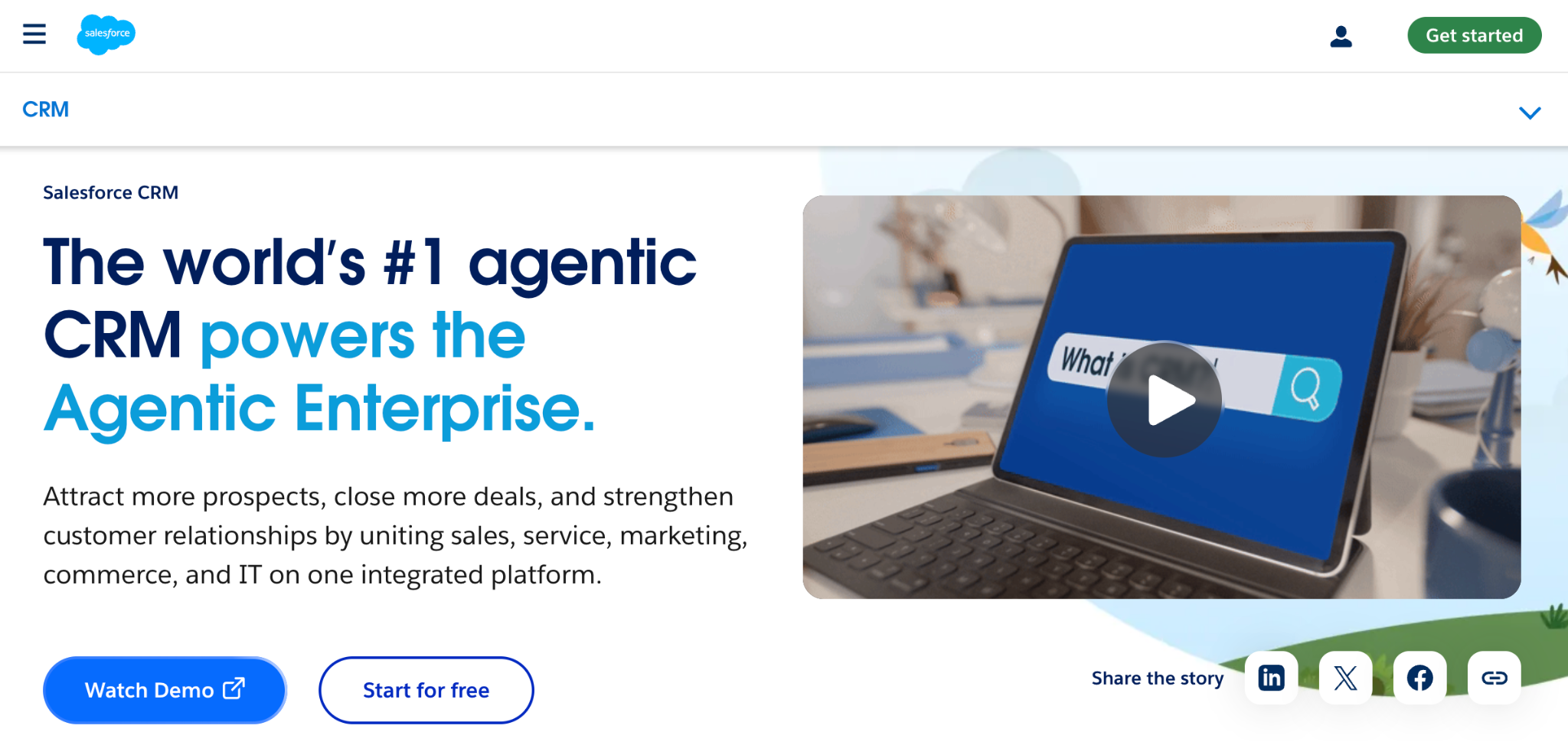
Salesforce isn’t the obvious destination for a company leaving Odoo because it wants a simpler system.
It’s much more relevant when the company wants to move toward a large enterprise CRM environment.
Account management, opportunity workflows, and forecasting can all be handled in Salesforce. The platform also supports extensive customization through custom objects, apps, and AppExchange integrations. Such flexibility can suit larger organizations with more demanding customer-facing processes.
The cost is more administration.
Implementation can become a project in itself, particularly when the company needs custom objects, permissions, or integrations across several teams.
For an enterprise moving CRM out of Odoo, that investment may be deliberate. For a smaller business trying to reduce software overhead, it can recreate many of the problems that triggered the search for an alternative.
Our Capsule vs Salesforce comparison looks at the difference between enterprise customization and a lighter CRM setup.
Key features
- lead and account management
- opportunity tracking
- advanced forecasting
- sales automation
- custom objects
- custom applications
- enterprise reporting
- Agentforce and AI capabilities
- AppExchange ecosystem
Pricing
Salesforce now offers a free entry-level suite.
Paid sales plans include:
- Starter Suite: $25 per user per month
- Pro Suite: $100
- Core: $195
- Advanced: $395
- Max: $550
Our Salesforce CRM pricing guide explains the differences between the current tiers.
7. Microsoft Dynamics 365 Sales
Best for: Organizations already invested heavily in Microsoft business systems.

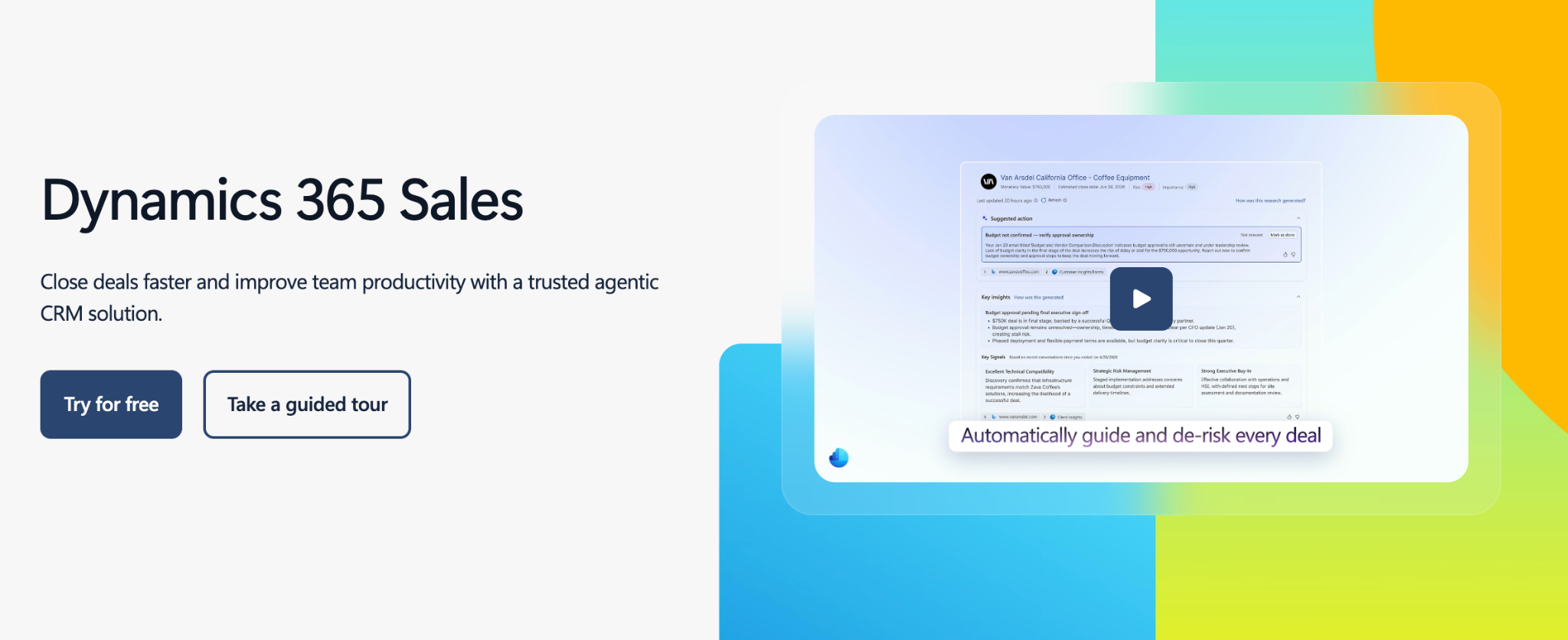
Dynamics 365 Sales places CRM inside the Microsoft ecosystem.
Sales teams can work with leads and opportunities while keeping Outlook, Teams and other Microsoft products close to the sales process. Power Platform and Dataverse provide further options for automation and customization.
That can reduce friction for organizations already standardized on Microsoft technology – but it can also be far more system than a smaller company needs.
Using Outlook every day doesn't automatically create a business case for Dynamics. A company may simply need email and contacts connected to CRM, which can be handled through a lighter Microsoft 365 CRM integration.
Dynamics becomes more compelling when CRM is part of a larger Microsoft architecture and the organization plans to use Power Platform or other connected business applications.
That puts it closer to an enterprise ecosystem decision than a basic Odoo CRM replacement.
Key features
- lead and opportunity management
- sales automation
- forecasting
- Microsoft 365 connectivity
- advanced customization
- Power Platform integration
- AI-assisted sales tools
- enterprise reporting
Pricing
Current US annual pricing is:
- Dynamics 365 Sales Professional: $65 per user per month
- Sales Enterprise: $105
- Sales Premium: $150
Our guide to Microsoft Dynamics 365 Sales pricing looks at the current editions in more detail.
Should you replace Odoo CRM or your whole Odoo setup?
Moving away from Odoo CRM can be a straightforward CRM migration or a much larger systems project.
The difference depends on what happens after sales closes an opportunity.
Imagine a company using Odoo CRM alongside Inventory and Accounting. The sales process can continue into quotations, stock and invoicing inside the same environment.
Move CRM somewhere else and those connections need a replacement.
The sales team may prefer the new system, but customer records and order information still need to reach the applications used elsewhere in the company.
A business using Odoo CRM largely on its own has far fewer dependencies.
Its replacement stack might keep Capsule responsible for customer relationships and let finance, marketing or delivery remain in specialist applications. Our integration ecosystem supports that type of setup.

Neither architecture is automatically better.
A connected suite reduces handoffs between applications. A specialist stack gives teams more choice over the software they use and can keep each system focused on a narrower job.
Before migrating, map what happens to an opportunity after it closes. That will show how much of the current Odoo workflow needs rebuilding.
What to check before moving away from Odoo CRM
The CRM feature list is only part of the migration. The harder questions usually concern the information and processes already connected to Odoo.
1. Where does customer data go after a deal closes?
Look at every system that currently receives information from CRM.
If a closed opportunity feeds quotations, project work, inventory or invoicing, the new setup needs a clear replacement for those connections.
2. Which Odoo apps does sales use indirectly?
Salespeople may not open Inventory or Accounting themselves, but information from those applications can still influence their work. Check what sales can currently see inside Odoo before assuming CRM is operating independently.
3. What needs to move into the new CRM?
Contacts and open opportunities are obvious. Historical communication, custom fields, notes, activities and closed deals may also be valuable. Decide which records still help the team before migrating everything by default.
4. Which integrations need to exist on day one?
Separate must-have connections from integrations that can wait. A finance connection or customer-data sync may affect daily operations immediately. Other apps may be easier to add after the sales team is comfortable with the new CRM.
5. Who owns the handoff between systems?
A specialist stack gives each platform a clearer job, but someone still needs to define when information moves from CRM into finance, delivery or another operational system.
Document that handoff before switching tools. It’s much easier to fix the process before migration than after customer records start moving between applications.
Is Capsule a good Odoo CRM alternative?
Capsule works well when you're replacing Odoo CRM and keeping the rest of your business systems separate.
Capsule covers customer records, opportunities, sales pipelines, tasks, reporting and automation. Projects can continue simpler customer work after a sale, while integrations connect CRM with applications used elsewhere.
This model fits companies that already have accounting, marketing or operational software they want to keep. It’s less suitable for a business expecting one platform to replace Odoo CRM together with Inventory, Manufacturing or Accounting.
Choose the CRM that fits your sales team
Odoo can cover a lot of ground. But not every team needs the whole suite.
If sales only uses Odoo for contacts, deals, and follow-ups, moving to a dedicated CRM can make day-to-day work simpler.
Capsule CRM keeps customer relationships and pipelines in one clear place. Other teams can keep using the tools that already work for them.
Start with what your sales team actually needs – a simpler CRM may be all you need to change.