Choosing a CRM gets harder once you start looking at how your business actually works.
Some SMBs need a clean way to manage long-term client relationships. Others need sharper sales pipeline visibility, better lead tracking, marketing automation, or a single place to connect customer conversations with day-to-day operations. A small consultancy, an e-commerce brand, and a growing agency may all fall under the same “SMB” label, but their CRM needs can look very different.
That’s where many CRM for SMBs comparisons become less useful. They often focus on feature lists, pricing tiers, and review scores without showing which type of business each tool suits best.
This guide takes a more practical route. Each CRM is matched to the kind of SMB it serves best, with a clear look at where it works well, where it may feel limited, and what to consider before you commit.
What SMBs actually need from a CRM
Before you compare CRM tools, consider what problem you’re specifically trying to fix. Most SMBs need a CRM that makes customer work easier to manage, harder to forget, and less dependent on one person’s memory.
Use this checklist before you pick a platform.
Your CRM should give the team one place to see who the customer is, what happened before, what was promised, and what needs to happen next. That includes contact details, notes, emails, calls, tasks, and deal history. If people still need to dig through inboxes or ask around for context, the CRM has not solved the real problem.
A good CRM should show where each lead, deal, renewal, or opportunity stands – but not in a vague “pipeline exists somewhere” way. The team should be able to see which conversations are moving, which ones need attention, and which ones are quietly going cold.
SMBs lose a lot of value in the gaps between conversations. A proposal goes out, and nobody checks back. A warm lead asks a question and gets buried under newer emails. A past customer could buy again, but nobody reaches out. The CRM should make those next steps visible and easy to assign.
You do not need enterprise-grade dashboards from day one. You do need to know which channels bring decent leads, which deals take too long, where opportunities drop off, and which customers need more attention. Basic reporting should help the team decide where to focus, not create another admin ritual.
The CRM that works at five people should not fall apart at fifteen. Look for a system that can handle more contacts, more users, more pipelines, and more structured workflows without turning every update into a chore. Growth should not mean rebuilding your customer process from scratch.
Start with the outcomes that matter: better customer visibility, cleaner sales follow-up, clearer ownership, useful reporting, and a system people will actually keep updated. Advanced automation, AI, forecasting, and deep analytics can help later, but only when the basics work.
Best SMB CRMs
Capsule CRM: best for service-based SMBs and relationship-led businesses

Best for: Consultancies, agencies, freelancers, professional services firms, and any SMB where the quality of customer relationships drives repeat business and referrals.
Service-based businesses rarely have a simple “lead in, deal out” sales process. A new client might start as a referral, go quiet for three months, come back with a bigger brief, involve two more stakeholders, and then turn into repeat work after the first project lands.
That kind of relationship is hard to manage in inboxes and spreadsheets. Too much context lives in individual accounts: who promised what, when to follow up, what the client cared about, which proposal version went out, and who owns the next step.
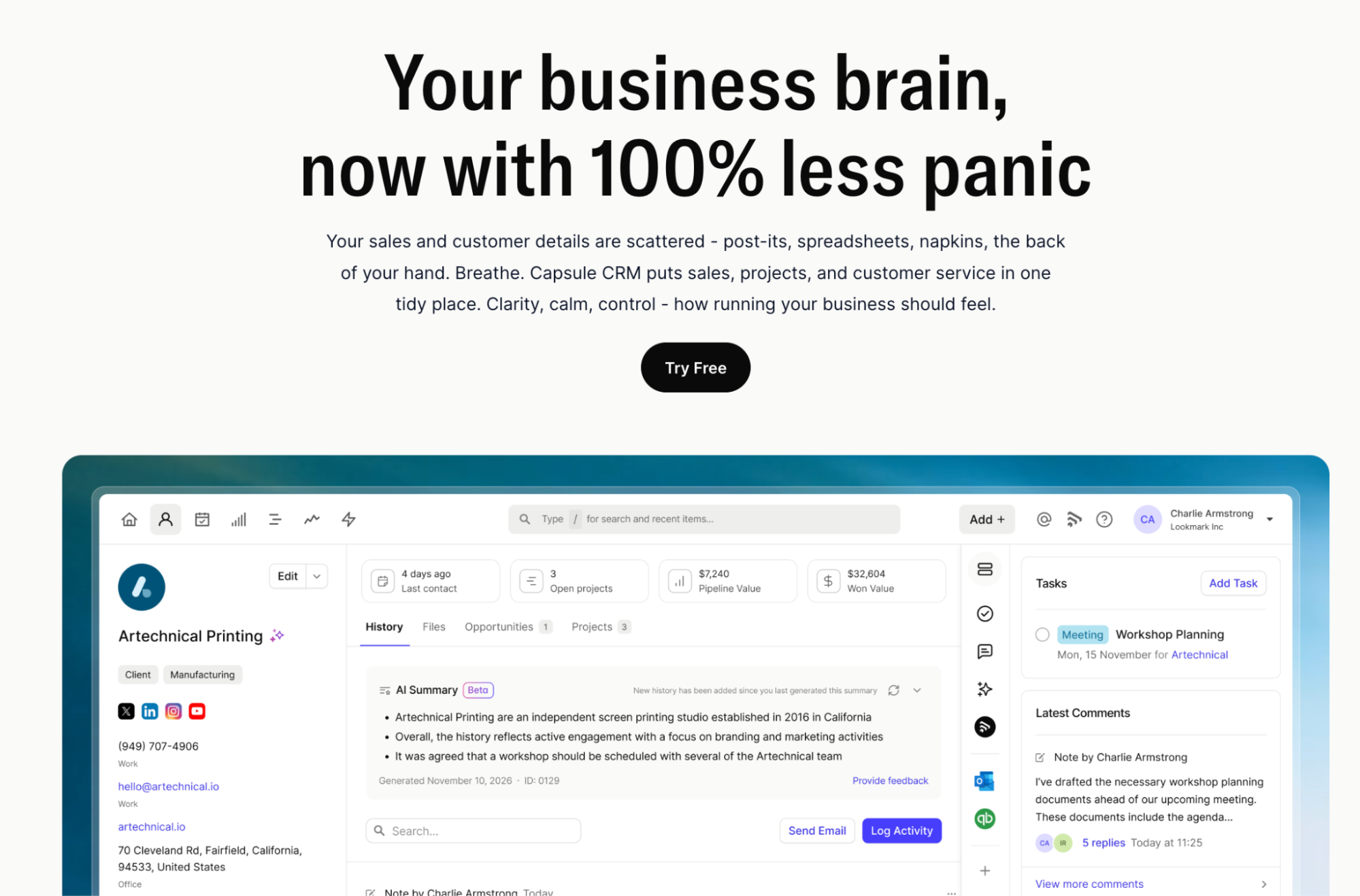
Capsule CRM fits SMBs that need to keep relationship history clean, yet without turning the whole team into CRM administrators. Each contact record gives the team a clear timeline of notes, emails, tasks, opportunities, and previous interactions, so anyone can pick up the conversation anytime.
Capsule’s sales pipeline also works well for service businesses because it can reflect real buying journeys. You can track a new enquiry, proposal, negotiation, project renewal, or upsell in a way that matches how your team works. Multiple pipelines are useful when new business, renewals, partnerships, and post-project follow-ups all need different stages.
The bigger win is consistency. Capsule’s workflow automation can handle the small actions that are easy to miss in a busy team: creating tasks at each deal stage, or making sure a warm client does not disappear after delivery.
Capsule AI adds another practical layer for teams managing many client relationships at once. AI Summaries turn long customer histories into quick briefs before a call or meeting. AI Email Assist helps draft follow-ups using the existing relationship context, so messages feel tied to the actual conversation.
Capsule also integrates with tools many SMBs already use, including Xero, QuickBooks, email platforms, and marketing tools. That makes it easier to bring customer relationship management into the workflow without rebuilding the whole tech stack.
If you want a CRM with enough structure to grow, but not so much complexity that people avoid using it, Capsule is one of the strongest fits.
Pricing: Free plan available. Starter from $18/user/month. AI features from $36/user/month. Try free for 14 days.
Less Annoying CRM
Best for: Solo operators and very small teams that want a simple contact database.

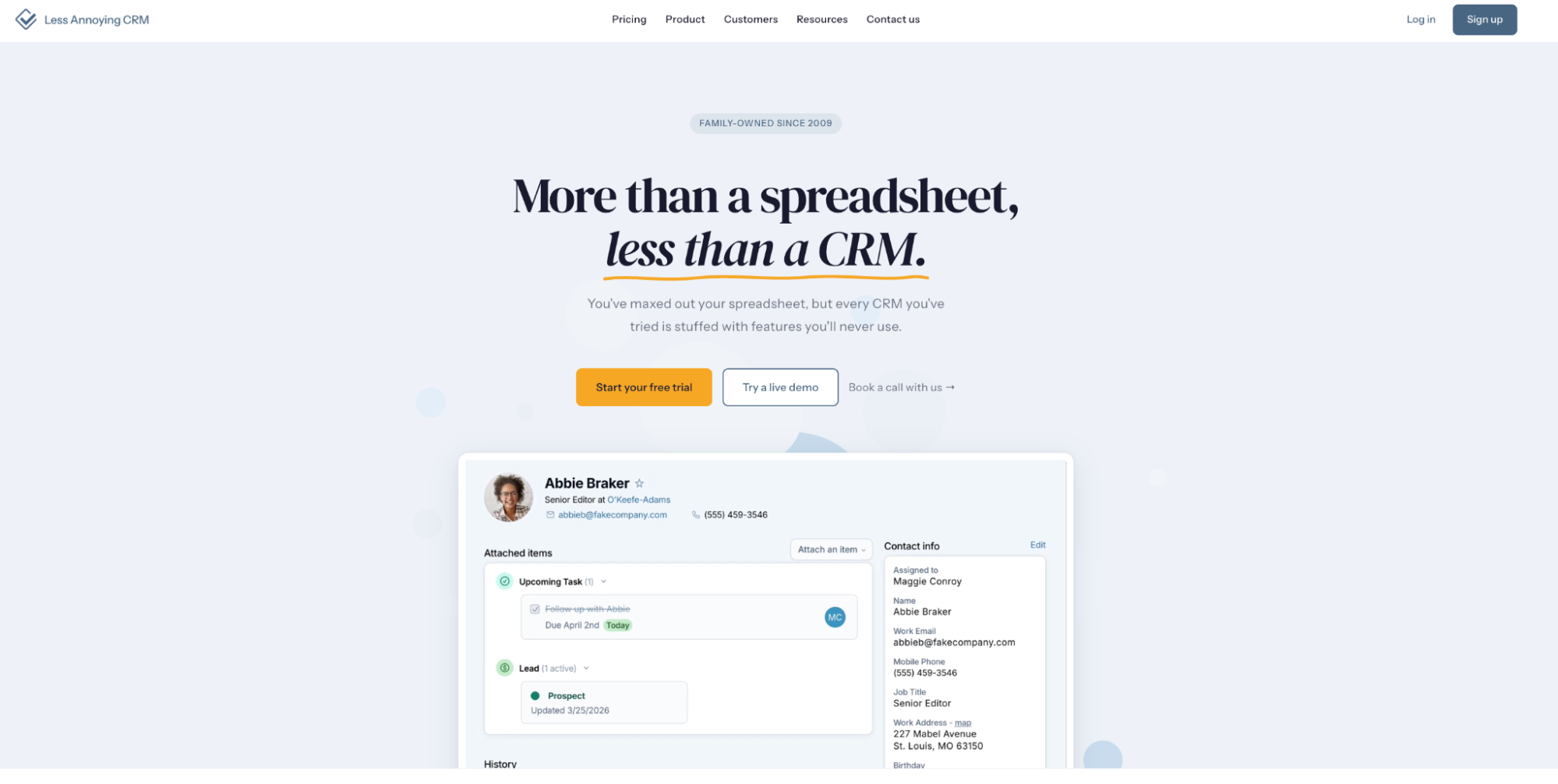
Less Annoying CRM is exactly what the name suggests: a lightweight CRM for teams that find most platforms too busy, too expensive, or too much for the stage they are at.
Its main strength is simplicity. You get contact management, a basic sales pipeline, task reminders, calendar sync, and straightforward daily views. There are no big implementation projects, and no long list of features the team needs to learn before they can use it.
That makes it a decent fit for businesses that mostly need one place to keep customer details. For a solo consultant, freelancer, or two-person business moving away from spreadsheets, that can be enough.
However, the simplicity comes with clear limits. Less Annoying CRM is not built for teams that need marketing automation, sales automation, lead scoring, advanced reporting, AI features, or more structured workflows as they grow. It can help a small team get organized, but it may feel too basic once the business needs repeatable sales processes or more coordination across people.
The mobile CRM experience is also more functional than deep, which may matter for teams that work heavily from phones or need more flexible access on the move.
Pricing: $15/user/month flat rate.
HubSpot CRM
Best for: SMBs where sales and marketing work closely together.

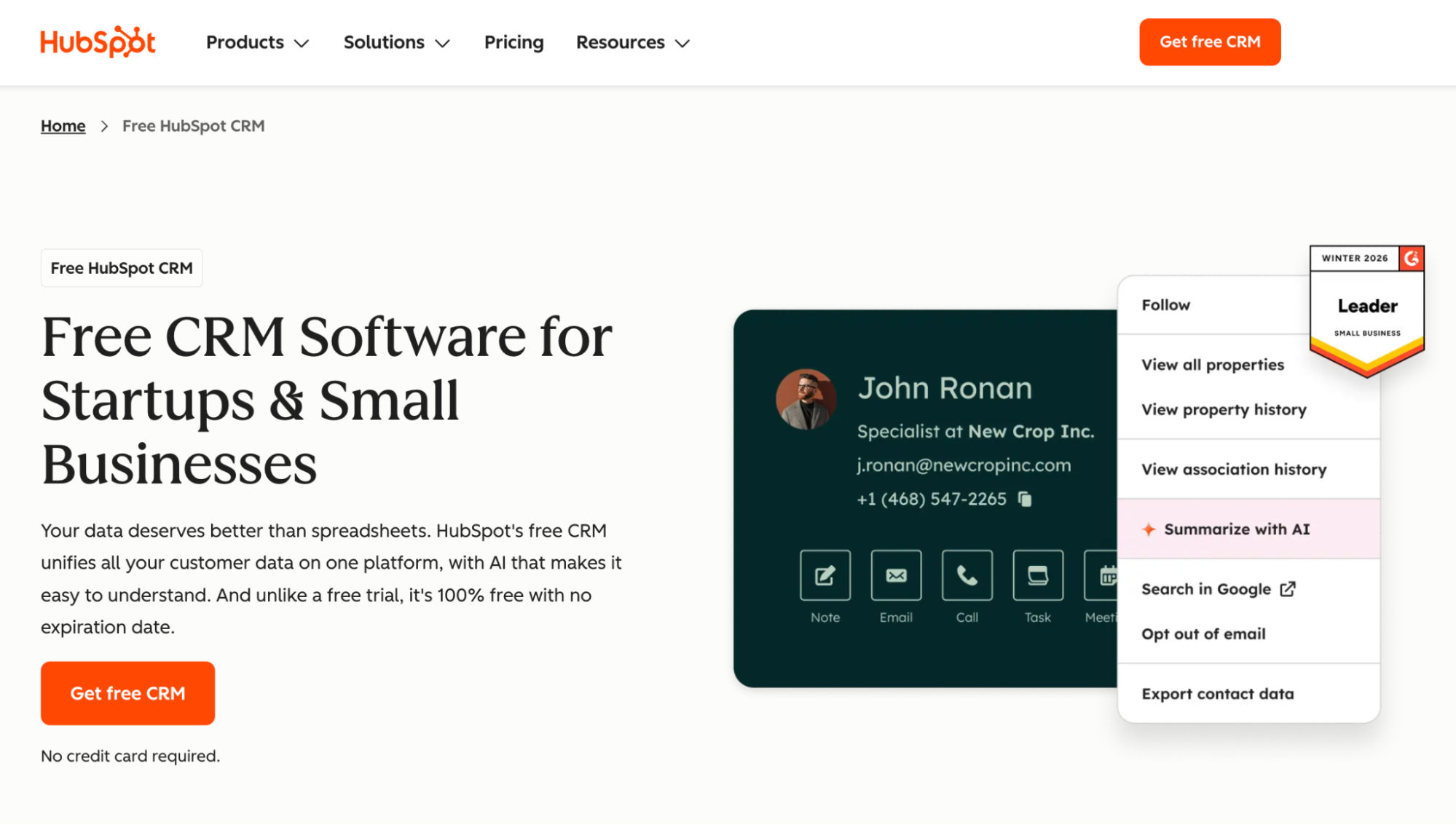
HubSpot CRM makes the most sense when the CRM is not just a place for sales notes. It works best when customer acquisition depends on a wider marketing engine: forms, campaigns, email sequences, website activity, lead sources, and handoffs from marketing to sales.
The free CRM gives small businesses a strong starting point. You can manage contacts, track deals, store communication history, and give multiple users access without paying upfront. That alone can create a cleaner way to manage leads.
The platform makes more sense when lead generation already has moving parts. If prospects come from ads, newsletters, webinars, content, social media, or website forms, HubSpot can help connect those touchpoints to the sales process. The benefit is not just having more data. It is seeing which activity actually creates sales conversations.
The trade-off is cost and complexity. HubSpot’s free plan and HubSpot as a fully powered growth platform are not the same thing. Features such as workflow automation, advanced reporting, sales forecasting, and more detailed marketing automation usually sit behind paid tiers. Those costs can rise faster than small teams expect.
It also asks more from the team. HubSpot can do a lot, but that means setup, maintenance, and clearer ownership. If your business only needs basic CRM features, HubSpot may feel heavier than necessary. If marketing is central to how the business grows, the extra depth can make sense.
Pricing: Free plan available. Starter from $20/user/month. Advanced features sit on higher tiers.
Zoho CRM
Best for: Growing SMBs with complex and long deal cycles.

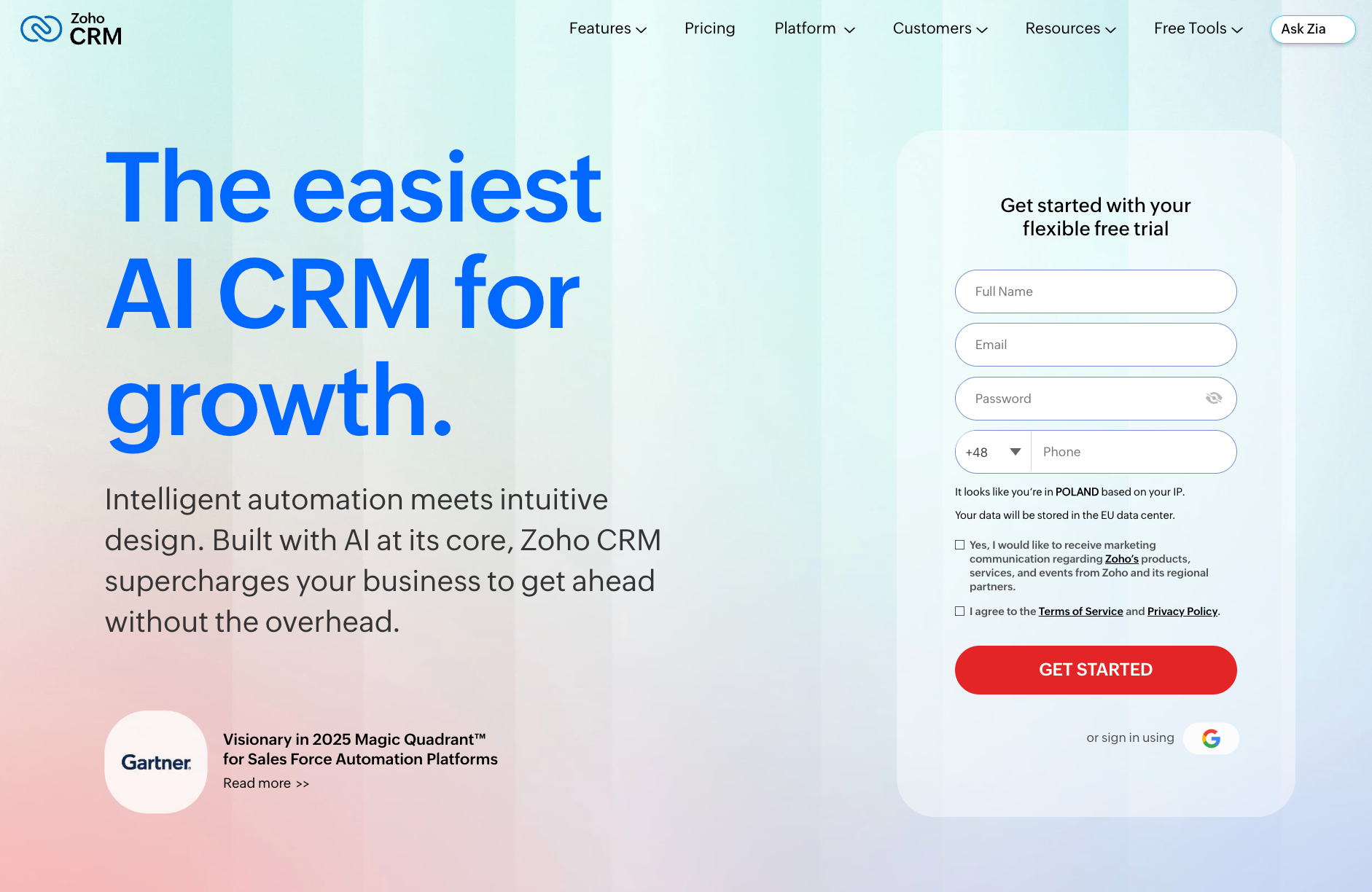
Zoho CRM is a good fit for businesses that have outgrown a basic pipeline but are not ready, or willing, to move into enterprise CRM territory.
Its biggest strength is flexibility. Teams can customize fields, modules, reports, workflows, scoring rules, and sales operations in a lot of detail. That matters when a standard “lead > proposal > close” setup does not reflect how the business actually sells.
For example, Zoho can work well for SMBs where deals involve several stakeholders, repeated follow-ups, purchase history, account segmentation, and different sales paths for different products or services. Its Zia assistant adds AI-supported forecasting and suggestions, while lead scoring helps teams prioritize opportunities.
Zoho also makes more sense for businesses already using the wider Zoho ecosystem. If the team has Zoho Books, Zoho Campaigns, Zoho Desk, or other Zoho apps in place, the CRM can become part of a broader system.
Yet, Zoho’s flexibility is also the reason it can feel heavy. To get real value, teams need time to configure it properly. Without that setup, the interface can feel crowded, and smaller teams may end up working around features they don’t need at all.
It is a stronger choice for SMBs with someone willing to own the CRM setup. Teams that want a clean system they can start using straight away may find Zoho more demanding than expected.
Pricing: Free plan available for up to three users. Standard from $14/user/month.
Pipedrive
Best for: SMBs that already know how their sales process works and need a cleaner way to manage daily deal movement.

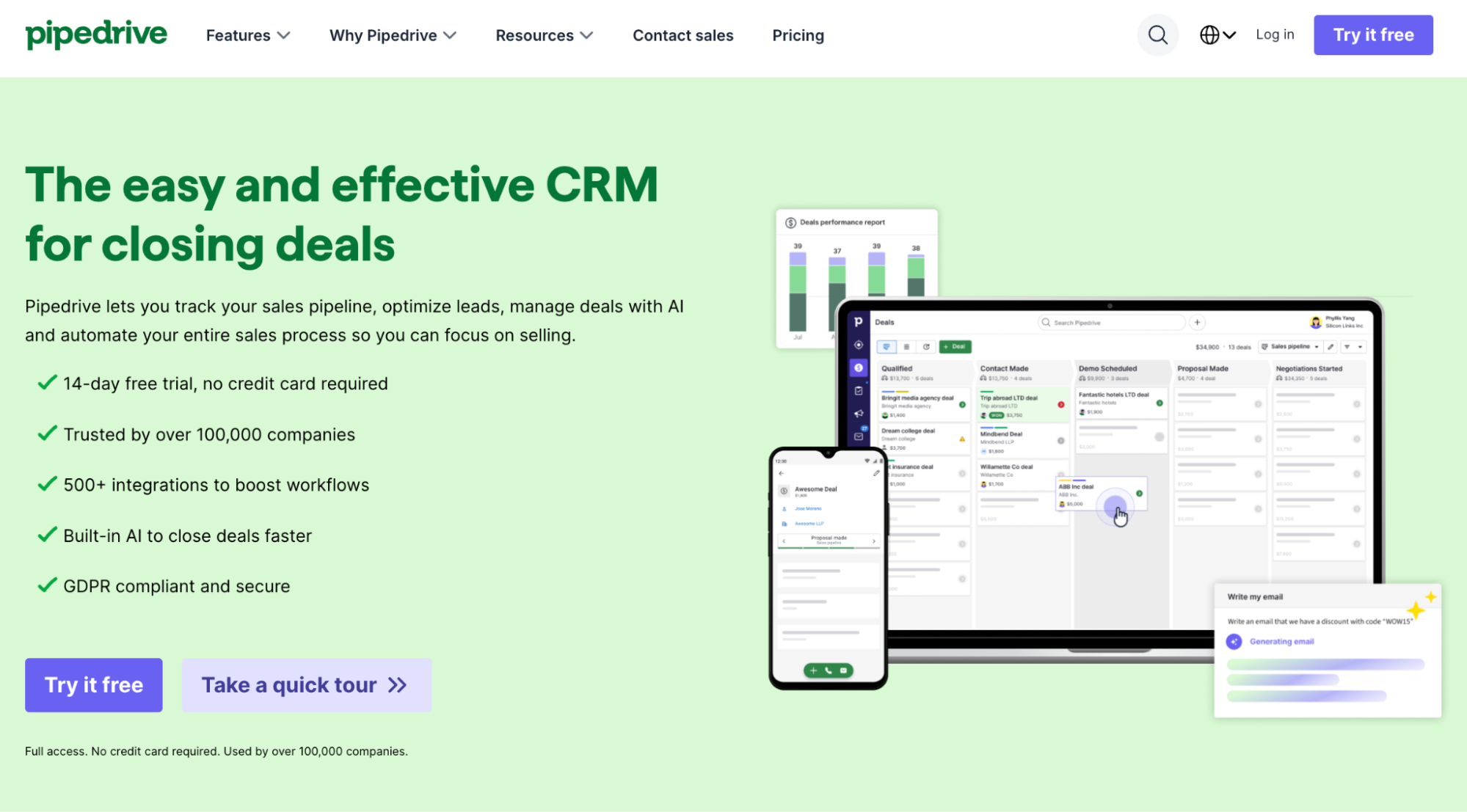
Pipedrive is a strong fit for SMBs with a defined sales motion. If leads move through familiar stages, Pipedrive does the job well. The visual pipeline is easy to read, easy to update, and focused on action.
Its AI Sales Assistant can flag deals that have gone quiet, and help reps spot opportunities that need attention. Sales automation also removes some of the repetitive work around follow-ups and deal stage updates.
It is a good match for teams where pipeline discipline matters, but the CRM still has to feel useful to the people doing the selling.
Pipedrive is a sales CRM first. That focus is its strength, but also its limit. Marketing automation or wider service workflows usually need extra integrations.
For SMBs that want one connected place for sales, marketing, customer relationships, and post-sale work, Pipedrive can start to feel narrow. It works best when the pipeline is the main operating center, not one part of a larger customer management process.
Pricing: Essential from $14/user/month. AI features from $49/user/month on Professional.
Monday CRM
Best for: SMBs that manage sales, client work, tasks, and internal operations in the same workflow.

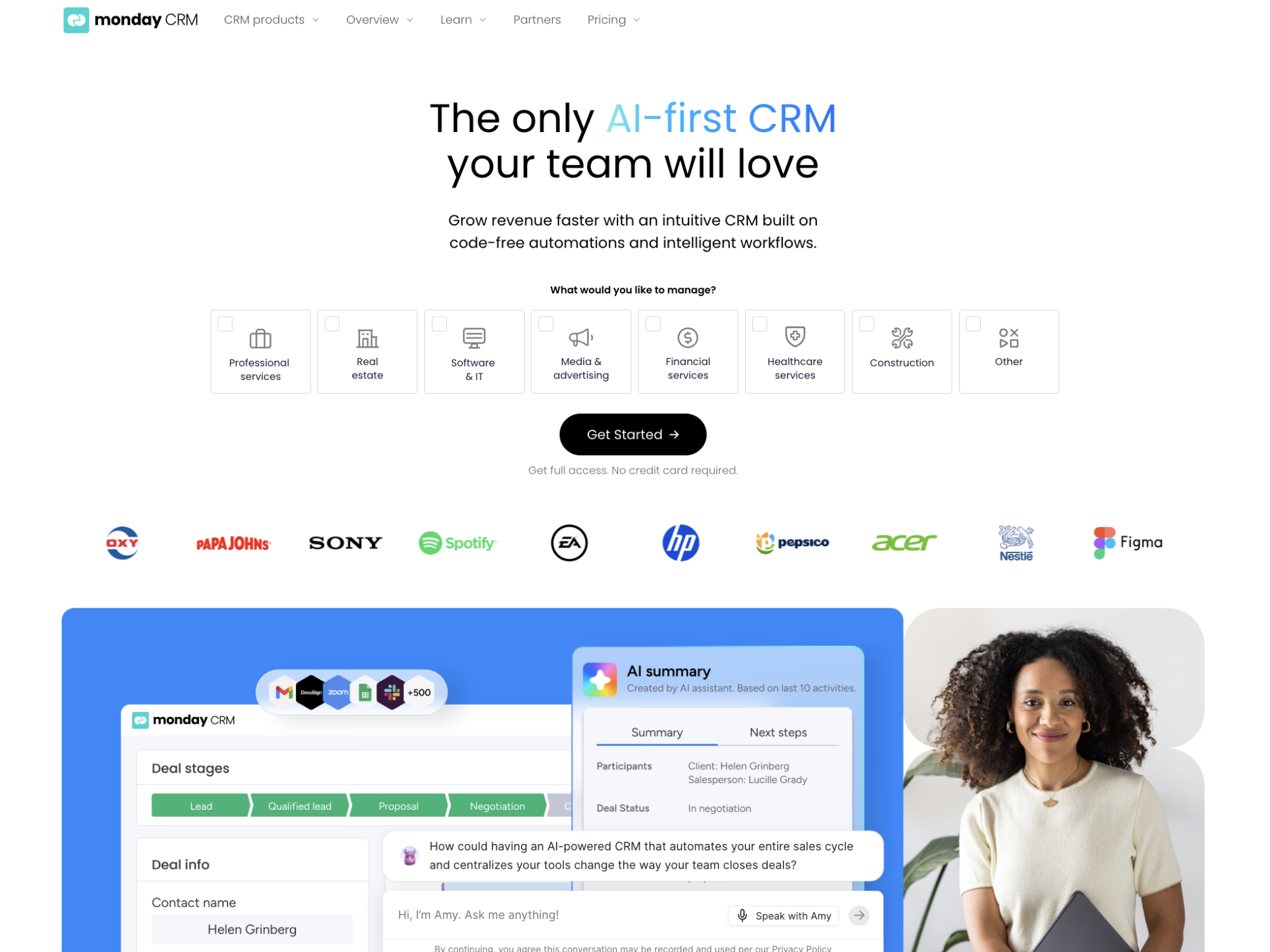
For many small businesses, especially agencies, consultancies, and service businesses, sales and delivery sit close together.
Monday CRM sits inside the wider monday.com work OS, so teams can manage customer relationships next to task boards, project timelines, internal workflows, and delivery updates.
The platform is also approachable. Pipelines are customizable, and visual dashboards make status updates clear without much training. For many teams, adoption may feel smoother than with a more traditional CRM.
Monday CRM is flexible, but it is not the most focused sales CRM on this list. Teams that care mainly about relationship history or structured sales sequences may find tools like Capsule more purpose-built.
The review picture can also be harder to read because many ratings cover the full monday.com platform, not only the CRM product. Pricing can climb as the team adds seats.
Pricing: Basic from $12/user/month; Pro from $28/user/month.
Pick a CRM that your business won’t outgrow too quickly
For small and medium businesses, CRM choice usually goes wrong in one of two ways.
Some teams choose something too light, then outgrow it the moment sales, delivery, and customer follow-up stop fitting in one person’s head. Others choose a heavyweight platform too early, then spend more time maintaining the system than using it.
The better choice sits in the middle: enough structure to keep customer work consistent, but not so much complexity that the team starts avoiding it.
A good SMB CRM should make the business easier to run as it grows. It should help the team see who owns each relationship, what has happened already, what needs attention next, and which parts of the customer journey need tighter follow-through. It should also make customer data more useful over time, not just store it in a cleaner-looking address book.
That is why usability matters so much.
If the team does not update the CRM, the reports become unreliable. If the reports are unreliable, decisions go back to gut feel. And once that happens, the business is paying for software while still running on memory.
Choose the CRM that matches the way your SMB actually works today, then check whether it can support the next version of the business: more customers, more team members, more handoffs, and higher expectations from every client interaction.