Microsoft Dynamics 365 Sales makes the most sense when CRM is part of a wider Microsoft setup. Sales teams can connect customer data with Microsoft 365, use advanced automation and reporting and extend the system through Microsoft's broader business platform.
You don't need Dynamics just because your company runs on Outlook, Teams or Microsoft 365, though.
Several CRM platforms work well with Microsoft tools while offering a much lighter setup. Others compete directly with Dynamics on customization, AI and enterprise sales operations.
Here are alternatives worth considering.
Why companies look beyond Microsoft Dynamics 365 Sales
Dynamics 365 Sales starts at $65 per user per month for Sales Professional in the US. Sales Enterprise costs $105 and Sales Premium $150 per user per month when paid annually. Microsoft positions the higher tiers around AI, advanced customization, sales intelligence, and agentic capabilities.
Cost is only part of the decision.
Dynamics sits inside a much bigger ecosystem. Companies can extend processes through Power Apps and Power Automate, connect data through Dataverse and combine CRM with other Dynamics products. That flexibility works well when sales processes are complex and the company already has people who can configure the environment.
Smaller teams may want something less involved.
The more useful question is often: how much of Dynamics do you actually need?
If your sales process revolves around contacts, opportunities, emails, tasks and reporting, a simpler CRM can cover those workflows without giving up Microsoft 365.
Best alternatives to Microsoft Dynamics 365 Sales
1. Capsule CRM: best for SMBs that want a Microsoft-friendly CRM without Dynamics complexity
Capsule is the strongest fit for companies that like Microsoft 365 but don't need their CRM to become part of a larger enterprise application platform.

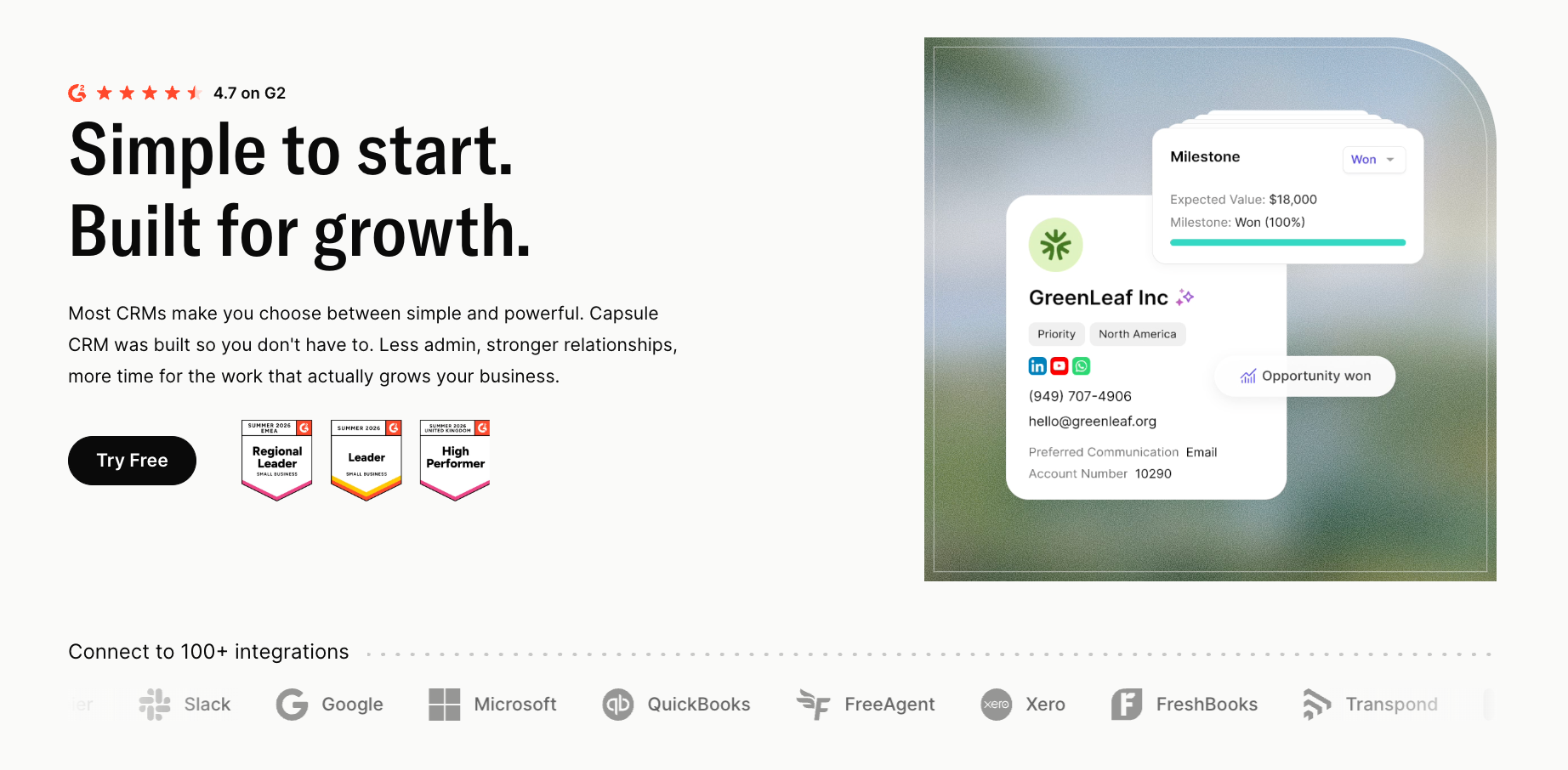
Contacts, opportunities, tasks, customer communication and reporting sit at the center. Teams can create their own sales pipeline, automate repeatable actions and move won work into project boards without building custom applications around the CRM.
Microsoft users don't have to give up their existing workflow either. Capsule's Outlook integration lets users work with CRM records from their inbox, while calendar sync and Microsoft 365 SSO keep the wider setup connected. Capsule also supports Microsoft Power Automate through its integration marketplace.
Key features
- Contact and company management
- Custom sales pipelines
- Tasks, email history and follow-ups
- Workflow automation
- Sales reporting and forecasts
- CRM project management
- AI-assisted CRM features
Integrations: Microsoft Outlook, Outlook Calendar, Microsoft 365 SSO, Microsoft Teams through Zapier, Google Workspace, Xero, QuickBooks, Transpond, Zendesk and thousands of apps through Zapier.
Best for: Small and midsize companies that want CRM to remain simple while continuing to use Microsoft 365.
Pricing: Free plan available. Capsule's current pricing content lists Starter from $18, Growth from $36, Advanced from $54, and Ultimate from $72 per user per month when billed annually.
Companies already working heavily from Microsoft inboxes can also compare other CRMs that work with Outlook before deciding that Dynamics is the default option.
2. HubSpot Sales Hub
HubSpot is a better Dynamics alternative when the company wants to broaden beyond CRM but doesn't need Microsoft's enterprise application architecture.

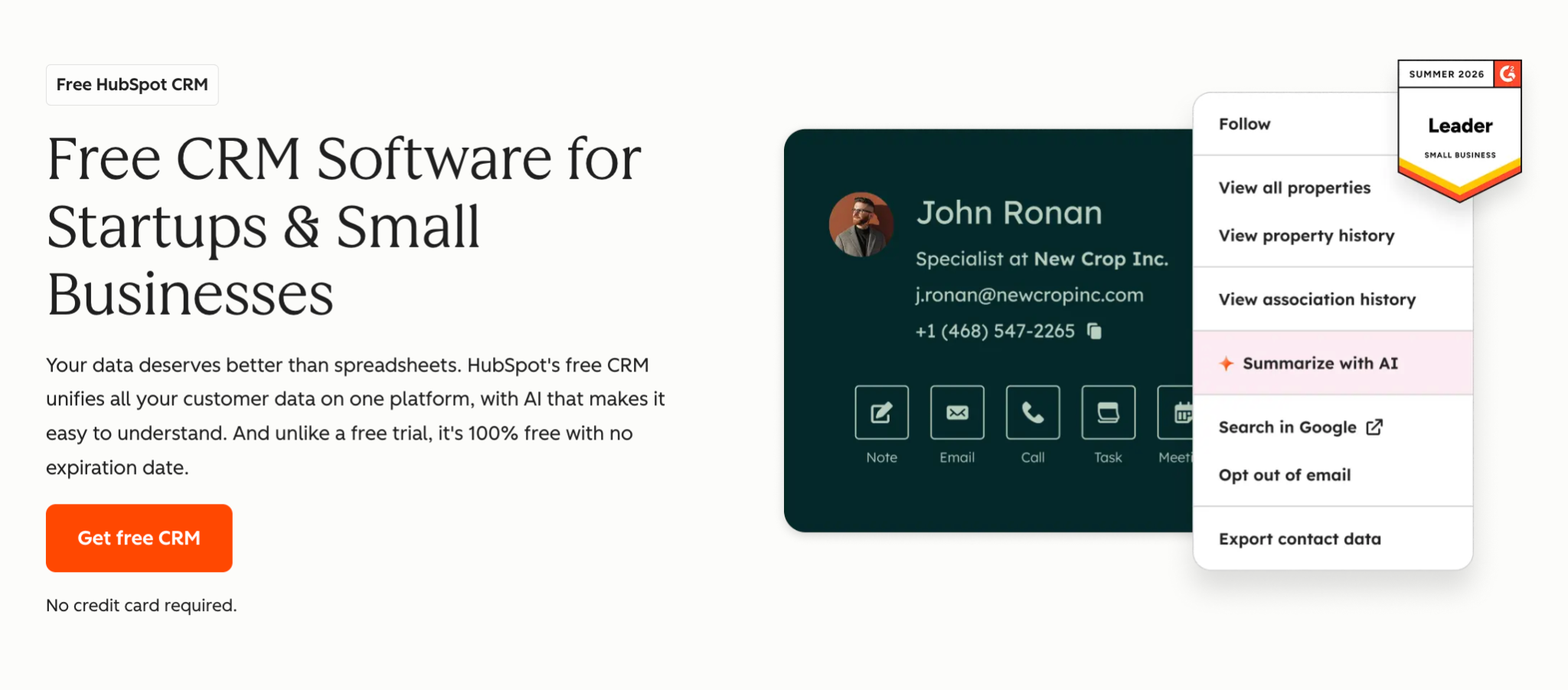
Its Smart CRM acts as the shared customer layer, with separate Sales, Marketing, Service, Content, and other hubs added around it. Sales Hub includes deal management, prospecting, automation, and sales reporting.
However, the trade-off appears as the stack grows. HubSpot can start simply and become a much larger investment once several teams need Professional or Enterprise functionality.
Key features
- Contact, company and deal management
- Prospecting workspace
- Sales automation
- Sequences and email tools
- Forecasting
- AI and sales intelligence
Integrations: Gmail and Microsoft 365/Outlook have dedicated sales integrations, alongside HubSpot's wider app marketplace. The current Office 365 add-in supports both classic and new Outlook experiences.
Best for: Businesses that want CRM, marketing, sales, and service to grow inside one platform.
Pricing: Free tools are available. Sales Hub Starter has a $20 per-seat monthly list price, with HubSpot currently displaying lower promotional pricing. Professional starts at $90 per seat per month when billed annually.
3. Zoho CRM
Zoho CRM offers much of the configurability buyers associate with larger CRM platforms without starting at Dynamics-level pricing.

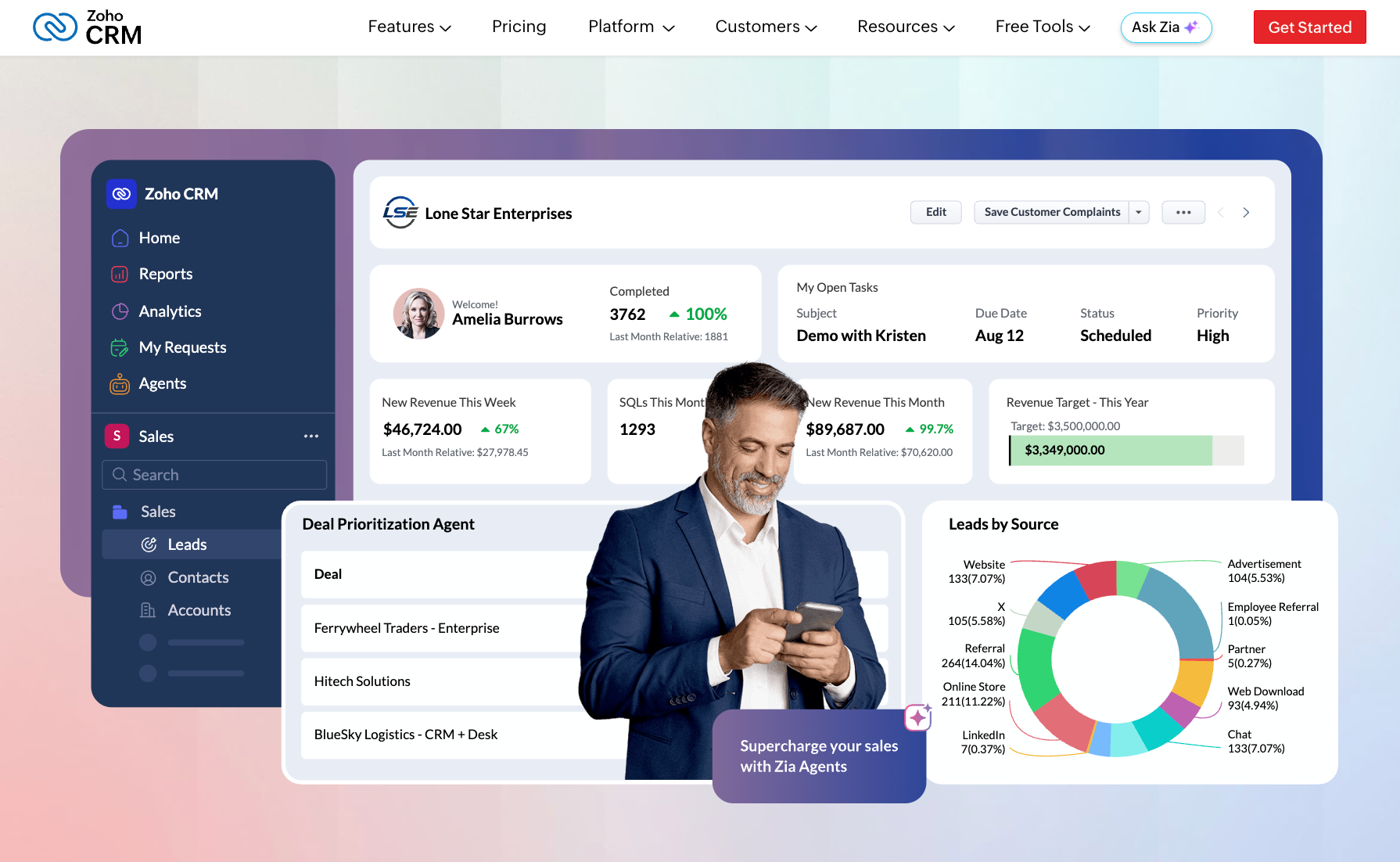
Its editions progress from standard lead and deal management into workflow rules, multiple pipelines, process management, inventory tools, territory management and deeper customization. Companies using other Zoho products can also expand into a much wider business software ecosystem.
Zoho is therefore a good middle ground between lightweight CRM and enterprise platforms.
Key features
- Lead, contact and deal management
- Workflow automation
- Multiple pipelines
- Blueprint process management
- Custom modules
- Territory and inventory management on higher plans
Integrations: Microsoft 365, Outlook, Microsoft Teams, Google Workspace, Slack and other Zoho and third-party applications. Zoho's Microsoft 365 integration can synchronize contacts, tasks and calendar events and surface CRM data inside Teams.
Best for: Companies that need more customization than a lightweight CRM offers but want to keep per-user costs relatively low.
Pricing: Free edition available. Standard starts at $14 per user per month billed annually, Professional at $23, Enterprise at $40, and Ultimate at $52.
4. Pipedrive
Pipedrive takes almost the opposite route from Dynamics.

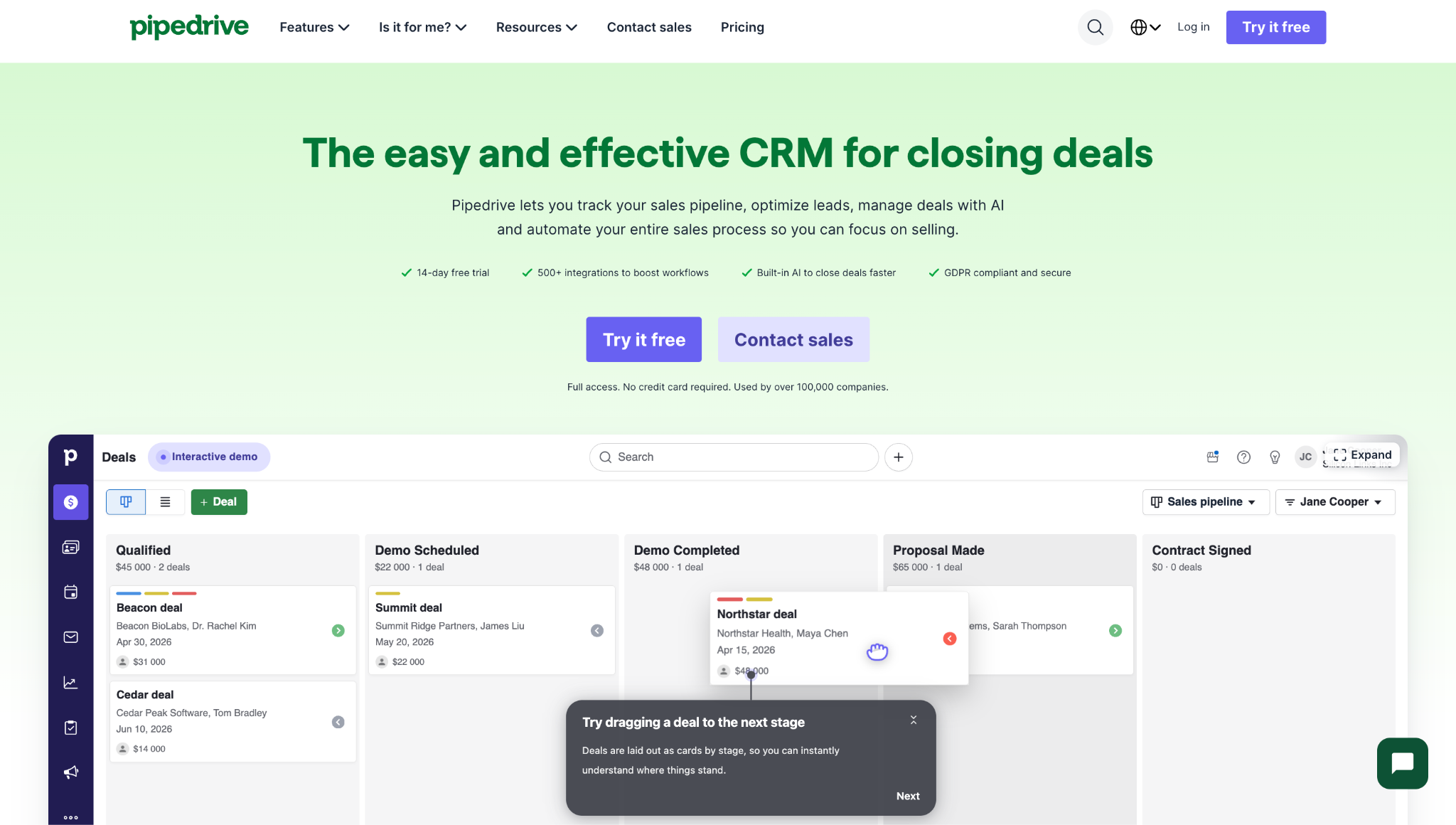
Instead of acting as a platform for building wider business processes, it puts deals and sales activity at the center. The interface revolves around pipelines, stages, follow-ups and the actions needed to move an opportunity forward.
That makes Pipedrive particularly attractive when reps find enterprise CRM too administrative.
Key features
- Visual deal pipelines
- Lead and contact management
- Email sync
- Workflow automations
- Sales sequences
- AI-powered reporting
- Lead scoring and enrichment on higher plans
Integrations: Pipedrive advertises 500+ integrations. Its current pricing page highlights connections including Zapier, Zoom, and Lemlist, with broader email and productivity integrations available through its marketplace.
Best for: Sales-led teams that want CRM primarily to manage pipeline and rep activity.
Pricing: Lite starts at $14 per seat per month billed annually, Growth at $39, Premium at $59 and Ultimate at $79.
5. Freshsales
Freshsales puts more communication tooling directly inside the product than many traditional CRMs.

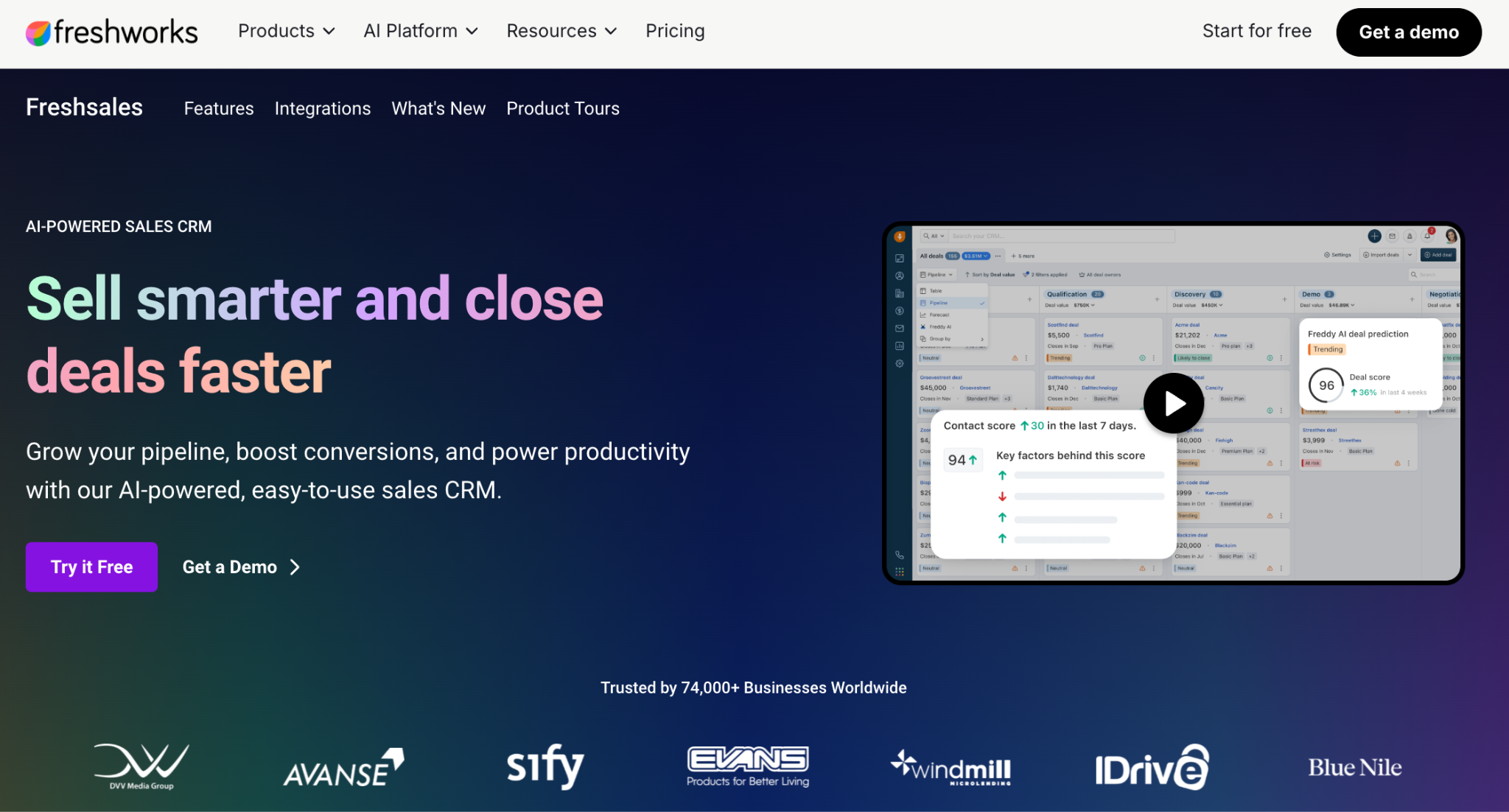
Even the Growth plan includes chat, email and phone alongside pipeline management. Higher plans add contact scoring, sales sequences, territory management, deal insights, forecasting and stronger governance.
For companies leaving Dynamics because they want less setup but still need a sales-focused platform, Freshsales is an interesting middle ground.
Key features
- Contact and account management
- Deal pipelines
- Built-in email, chat and phone
- Basic workflows
- Contact scoring
- Sales forecasting
- Freddy AI features
Integrations: Freshsales supports more than 100 marketplace apps plus API and webhook connections. Gmail, Outlook, Office 365 Calendar and Google Calendar are among its productivity integrations.
Best for: Sales teams that want prospect communication and CRM in the same product.
Pricing: Growth starts at $9 per user per month billed annually, Pro at $39 and Enterprise at $59. A free plan for up to three users is also available.
6. Salesforce Sales Cloud: best for enterprise CRM customization
If you're leaving Dynamics because you dislike enterprise CRM, Salesforce probably isn't the escape route.

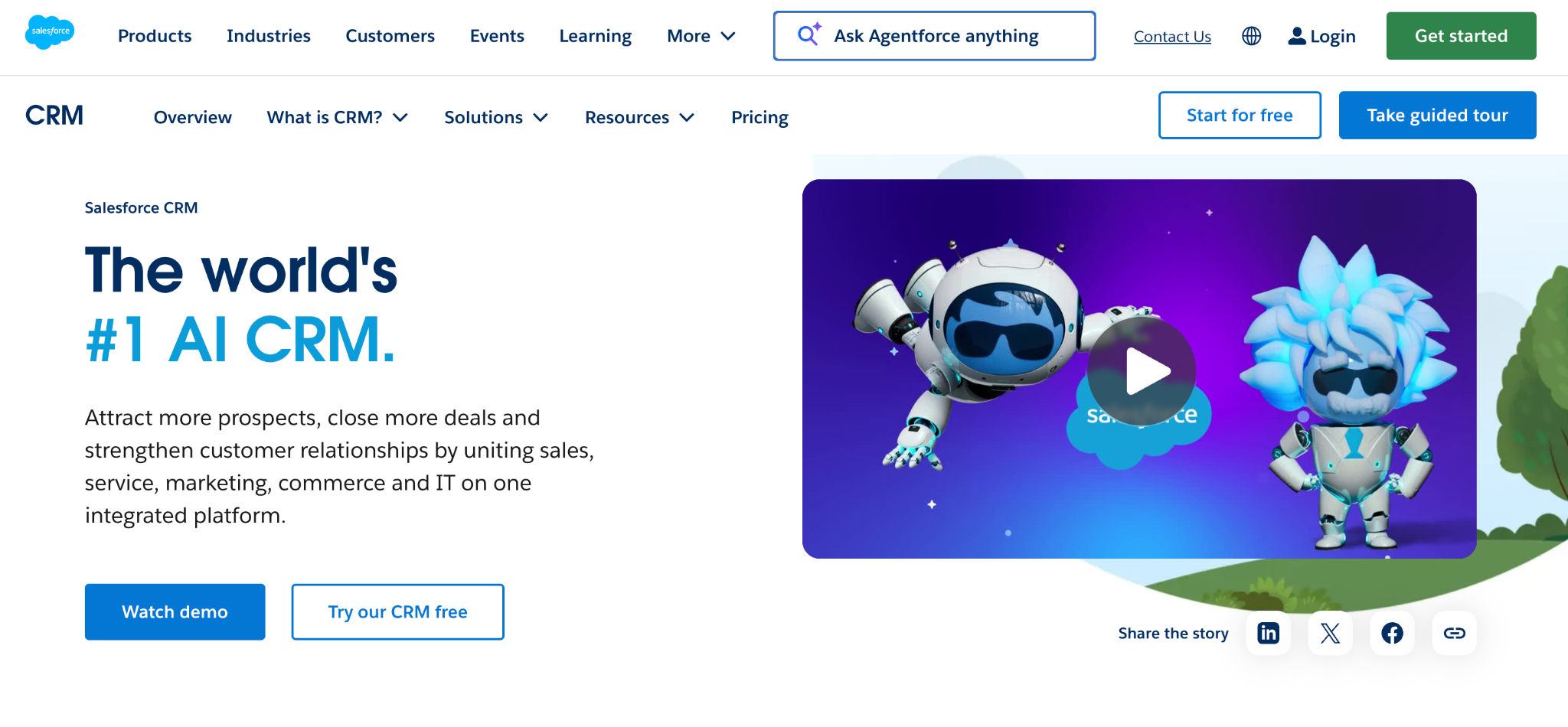
If you're leaving because you want a different enterprise CRM, it belongs near the top of the list.
Salesforce combines extensive customization with a large application ecosystem, advanced pipeline management, sales intelligence and increasingly deep AI through Agentforce.
The implementation can become just as serious as the Dynamics project you're replacing, especially once integrations, permissions, automations and custom objects grow.
Key features
- Leads, contacts, accounts and opportunities
- Advanced pipeline management
- Sales automation
- Custom objects and apps
- Conversation intelligence
- Agentforce and AI features
- Enterprise reporting and analytics
Integrations: Salesforce integrates directly with Outlook and Gmail, allowing reps to access records and log email activity from their inboxes. AppExchange extends the platform much further.
Best for: Larger organizations that need deep CRM customization and have the resources to administer it.
Pricing: Salesforce currently offers a Free Suite. Starter costs $25 per user per month, Pro $100, Enterprise $175, Unlimited $350, and Agentforce 1 Sales $550.
7. Insightly: best for connecting sales with post-sale projects
Insightly has one characteristic that makes it particularly relevant here: CRM and project management are closely connected.

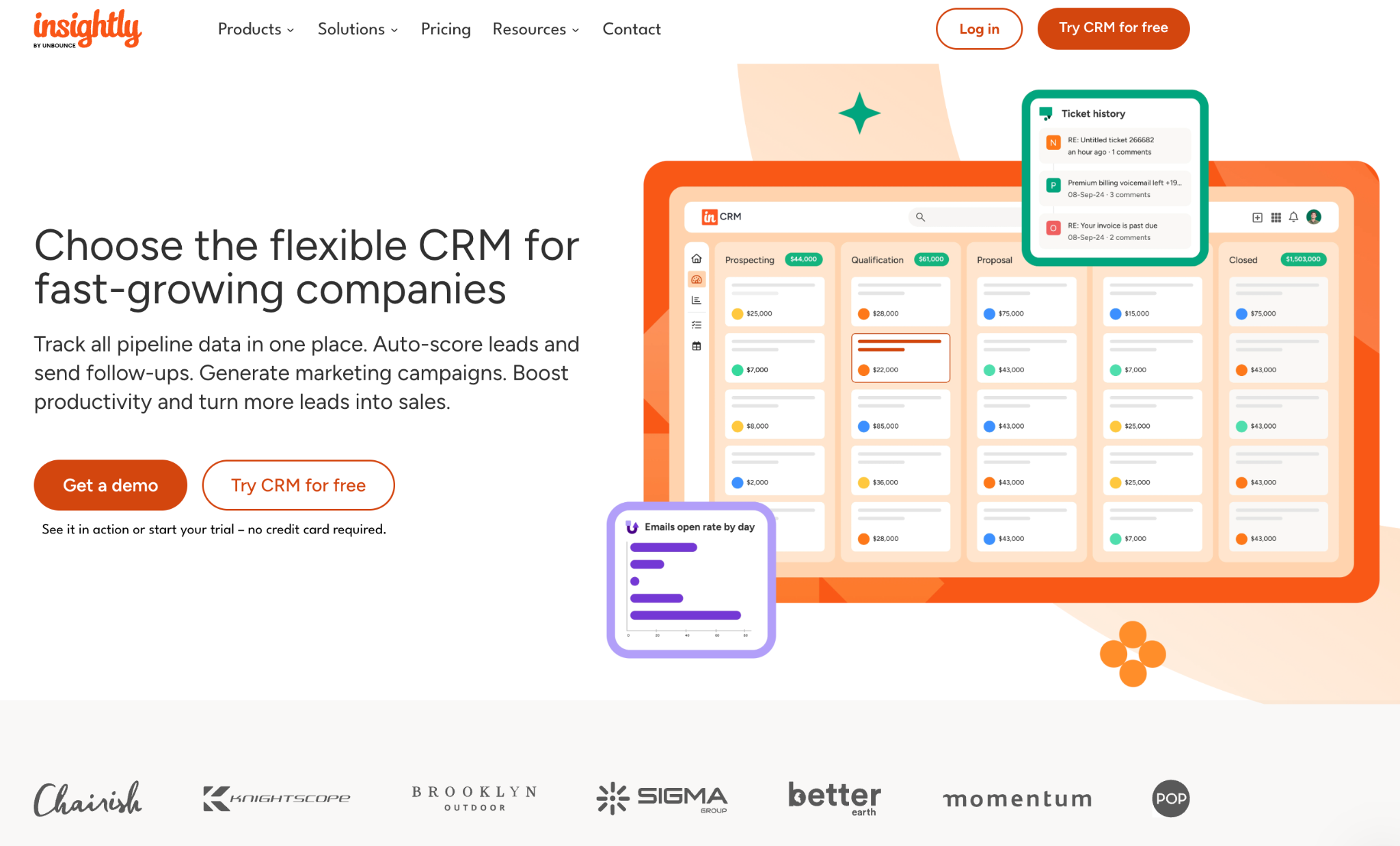
Companies can manage leads and opportunities, then continue into projects after the sale rather than treating the closed deal as the end of the workflow.
That makes Insightly appealing to consulting, professional services and other teams where winning the work is only the first half of the customer journey.
Key features
- Lead and contact management
- Opportunity pipelines
- Project management
- Reports and dashboards
- Lead routing
- Workflow automation
- AI Copilot on Professional and Enterprise
- Products, price books and quotes on Enterprise
Integrations: Insightly's AppConnect provides a no-code integration layer across finance, HR, sales, marketing, support, DevOps, and e-commerce applications.
Best for: Businesses that want CRM and customer project delivery tied together.
Pricing: Plus starts at $29 per user per month billed annually, Professional at $49 and Enterprise at $99.
Do you need to leave the Microsoft ecosystem to leave Dynamics?
No.
This is one of the easiest assumptions to make during a Dynamics replacement project.
A company may already use Outlook, Microsoft 365, and Teams every day, so Dynamics feels like the natural CRM choice. But those productivity tools don't require Microsoft to own the CRM layer too.
Capsule can connect sales data to the Microsoft tools reps already use. Our Microsoft 365 integration lets the company keep its existing email environment while using a much lighter CRM.
HubSpot, Zoho and Salesforce also integrate with Microsoft 365 and Outlook.
The bigger question is what happens outside email.
If your organization depends heavily on Dataverse, Power Apps, custom Dynamics entities and connected Dynamics applications, replacing Sales alone may create more work than expected.
If Microsoft 365 is the main dependency, you have much more freedom.
How to choose a Dynamics 365 Sales alternative
Start with the part of Dynamics you're trying to preserve.
Price alone rarely decides an enterprise CRM migration. Setup, administration, integrations and user adoption can cost more than the license difference over time.
For smaller businesses, a better starting point is often defining what the CRM needs to do before comparing brands. Capsule's step-by-step CRM selection process starts from requirements rather than software names.
Is Capsule a good alternative to Microsoft Dynamics 365 Sales?
For SMBs and many growing companies, yes.
Capsule covers the core CRM layer: contacts, companies, opportunities, sales pipelines, communication history, tasks, reporting and workflow automation. It also works with Microsoft tools, so switching CRM doesn't require switching email platforms.
What you lose is Dynamics' broader application platform.
Capsule isn't a Dataverse replacement. It isn't designed for building large custom business applications or recreating highly specialized Dynamics environments.
That's exactly why some companies will prefer it.
A sales team shouldn't need enterprise CRM infrastructure if its process is already well served by a clear pipeline, good customer records and predictable follow-up.
Keep Microsoft where it already works
Moving away from Dynamics doesn't have to become a wider Microsoft migration.
Keep Outlook. Keep Teams. Keep Microsoft 365.
Then decide if your sales team still needs an enterprise CRM platform underneath them.
If it doesn't, Capsule CRM gives contacts, sales pipelines, automation, reporting and project tracking their own focused home while continuing to connect with the Microsoft tools people already use.
Sometimes the better Dynamics alternative isn't another enterprise platform. It's a smaller CRM with fewer moving parts.